Mobile 4K Video Editing: Top Apps for 2026
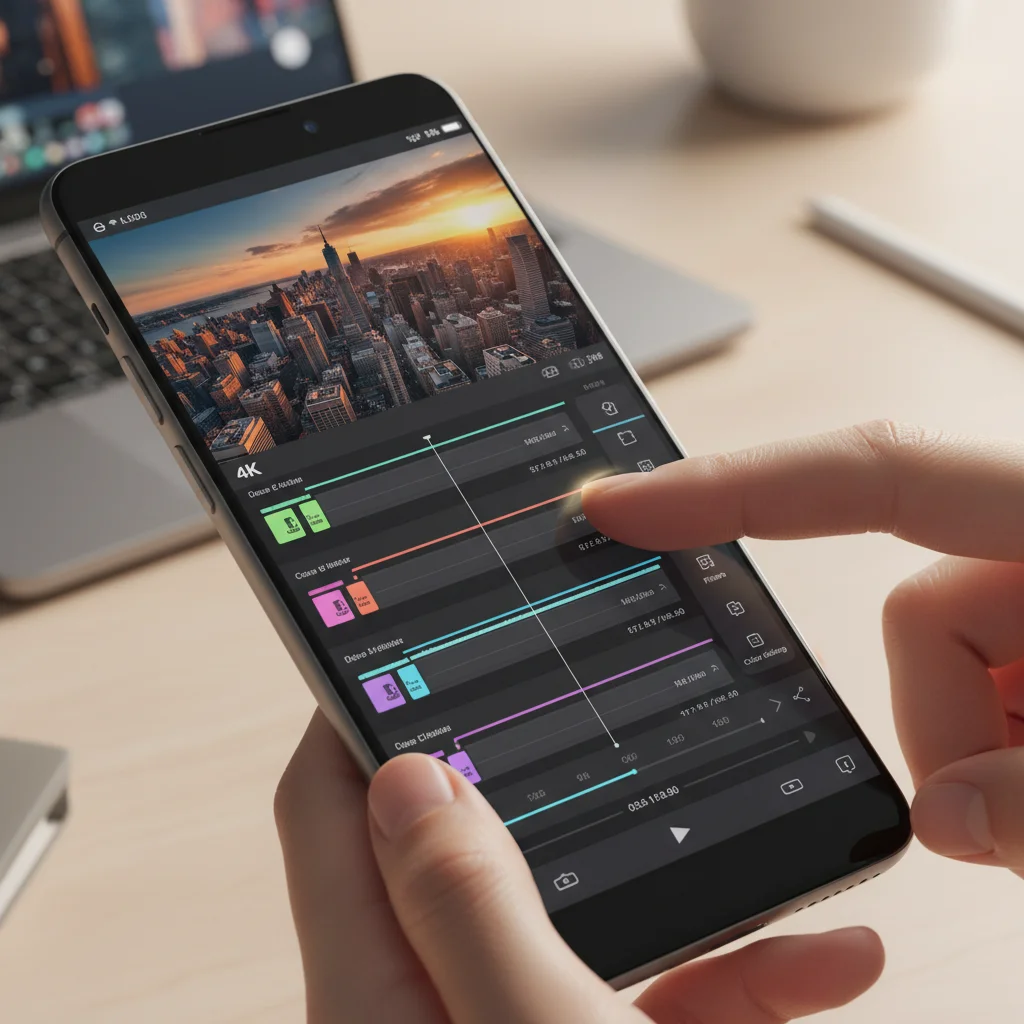
From Concept to Creation: The Top 3 Video Editing Apps for Mobile in 2026 for 4K Content Production
In the rapidly evolving landscape of digital content creation, the ability to produce high-quality, professional-grade videos from the palm of your hand is no longer a futuristic dream but a present-day reality. As we step into 2026, the demand for stunning 4K content continues to soar, fueled by ever-improving mobile camera technology and the insatiable appetite of online audiences for visually rich experiences. Gone are the days when complex video editing required expensive desktop setups and specialized software. Today, powerful mobile 4K video editing apps empower creators, from aspiring YouTubers to seasoned filmmakers, to capture, edit, and share breathtaking 4K footage with unprecedented ease and efficiency.
The convergence of powerful mobile processors, expansive cloud storage, and intuitive user interfaces has democratized video production, enabling a new generation of storytellers to bring their visions to life on the go. Whether you’re shooting a documentary on your latest adventure, crafting a compelling marketing video for your business, or simply sharing life’s moments in exquisite detail, the right mobile 4K video editing app can make all the difference. But with a plethora of options flooding the app stores, how do you choose the best tools to elevate your 4K content production?
This comprehensive guide delves into the cutting-edge of mobile 4K video editing, spotlighting the top three applications that are set to dominate the market in 2026. We’ll explore their unique features, user experience, and why they stand out as indispensable tools for anyone serious about producing high-quality 4K videos on their mobile device. Prepare to unlock the full potential of your smartphone or tablet as a portable production studio.
The Revolution of Mobile 4K Video Editing: Why It Matters in 2026
The push towards 4K resolution isn’t just about bigger pixels; it’s about unparalleled clarity, detail, and immersive viewing experiences. For content creators, this translates to more professional-looking output, better opportunities for creative cropping and stabilization in post-production, and a future-proof approach to their work. In 2026, virtually all flagship mobile devices boast 4K recording capabilities, often at high frame rates, making the need for robust mobile 4K video editing solutions more critical than ever.
The advantages of mobile 4K video editing extend beyond mere convenience. It fosters creativity by allowing immediate feedback and iteration. Imagine shooting a scene, quickly editing it on your phone, and instantly reviewing the results on location. This agile workflow accelerates the creative process, enabling faster decision-making and more spontaneous storytelling. Furthermore, for many independent creators and small businesses, mobile editing significantly reduces overheads, eliminating the need for expensive hardware and software licenses that were once prerequisites for 4K production.
The apps we’ll discuss are not just glorified trimming tools; they are sophisticated editors offering multi-track timelines, advanced color correction, visual effects, audio mixing, and seamless integration with cloud services. They are designed to harness the raw power of modern mobile chipsets, delivering rendering speeds and export quality that rival desktop counterparts from just a few years ago. Understanding the landscape of mobile 4K video editing in 2026 means recognizing the power in your pocket and how to leverage it effectively.
Key Considerations for Choosing a Mobile 4K Video Editing App
Before diving into our top picks, it’s essential to understand what makes a mobile 4K video editing app truly exceptional. When evaluating these tools, consider the following:
- Performance and Stability: Can the app handle large 4K files without crashing or lagging? Smooth playback and rendering are paramount.
- Feature Set: Does it offer essential editing tools like trimming, cutting, splitting, and merging? What about advanced features such as multi-track editing, keyframe animation, chroma key, speed ramping, and precise color grading?
- User Interface (UI) and User Experience (UX): Is the interface intuitive and easy to navigate on a small screen? Can you perform complex edits with touch gestures efficiently?
- Export Options: Does it support 4K export in various formats and bitrates? Are there options for direct sharing to popular social media platforms?
- Audio Editing Capabilities: Beyond basic volume control, does it offer noise reduction, voiceovers, music integration, and audio mixing?
- Effect and Transition Libraries: A good selection of professional-looking effects and transitions can significantly enhance your video’s appeal.
- Cloud Integration and Collaboration: Can you save projects to the cloud and collaborate with others?
- Pricing Model: Is it a one-time purchase, subscription-based, or freemium with in-app purchases?
With these criteria in mind, let’s explore the best mobile 4K video editing apps that are setting the standard for content creation in 2026.
1. DaVinci Resolve Mobile: Professional Powerhouse in Your Pocket
Long revered in the professional film and television industry for its unparalleled color correction, visual effects, motion graphics, and audio post-production capabilities, DaVinci Resolve made a monumental leap to mobile platforms, and by 2026, DaVinci Resolve Mobile has solidified its position as the undisputed king of mobile 4K video editing. This isn’t a watered-down version; it’s a remarkably robust adaptation that brings a significant portion of its desktop functionality to high-end tablets and even some advanced smartphones.
Key Features and Why It Excels:
- Full-Fledged Edit Page: DaVinci Resolve Mobile offers a surprisingly comprehensive edit page, allowing multi-track editing, precise trimming, and sophisticated timeline management. You can work with multiple video and audio tracks, making complex sequences manageable.
- Unrivaled Color Grading: This is where Resolve truly shines. Its legendary Color page, adapted for touch, provides an extensive suite of tools for primary and secondary color correction, power windows, tracking, and even HDR grading. For mobile 4K video editing, this means achieving cinematic looks directly on your device.
- Fusion Page for VFX: While not as extensive as its desktop counterpart, the mobile Fusion page allows for basic visual effects, compositing, and title animations, adding a professional polish to your 4K projects.
- Fairlight Audio Tools: The integrated Fairlight audio page provides professional audio mixing, equalization, and dynamics processing, ensuring your sound matches your stunning 4K visuals.
- Advanced Performance: Optimized for the latest mobile chipsets (especially those with dedicated neural engines), DaVinci Resolve Mobile handles 4K footage with remarkable fluidity, offering fast rendering times and stable performance even on demanding projects.
- Desktop Project Compatibility: A game-changer for hybrid workflows, projects started on DaVinci Resolve Mobile can be seamlessly transferred to the desktop version for further refinement, and vice-versa. This flexibility is invaluable for professionals.
- Intuitive Touch Interface: Despite its complexity, the interface is intelligently designed for touch, with customizable workspaces and gesture-based controls that become second nature with practice.
Ideal for: Professional filmmakers, serious content creators, and anyone who demands desktop-level control and quality in their mobile 4K video editing workflow. If you’re already familiar with DaVinci Resolve on desktop, the learning curve is significantly reduced.
Considerations: It requires a powerful mobile device (typically a high-end tablet or a very recent flagship smartphone) to run optimally. The comprehensive feature set can be intimidating for absolute beginners, though Blackmagic Design offers excellent tutorials.
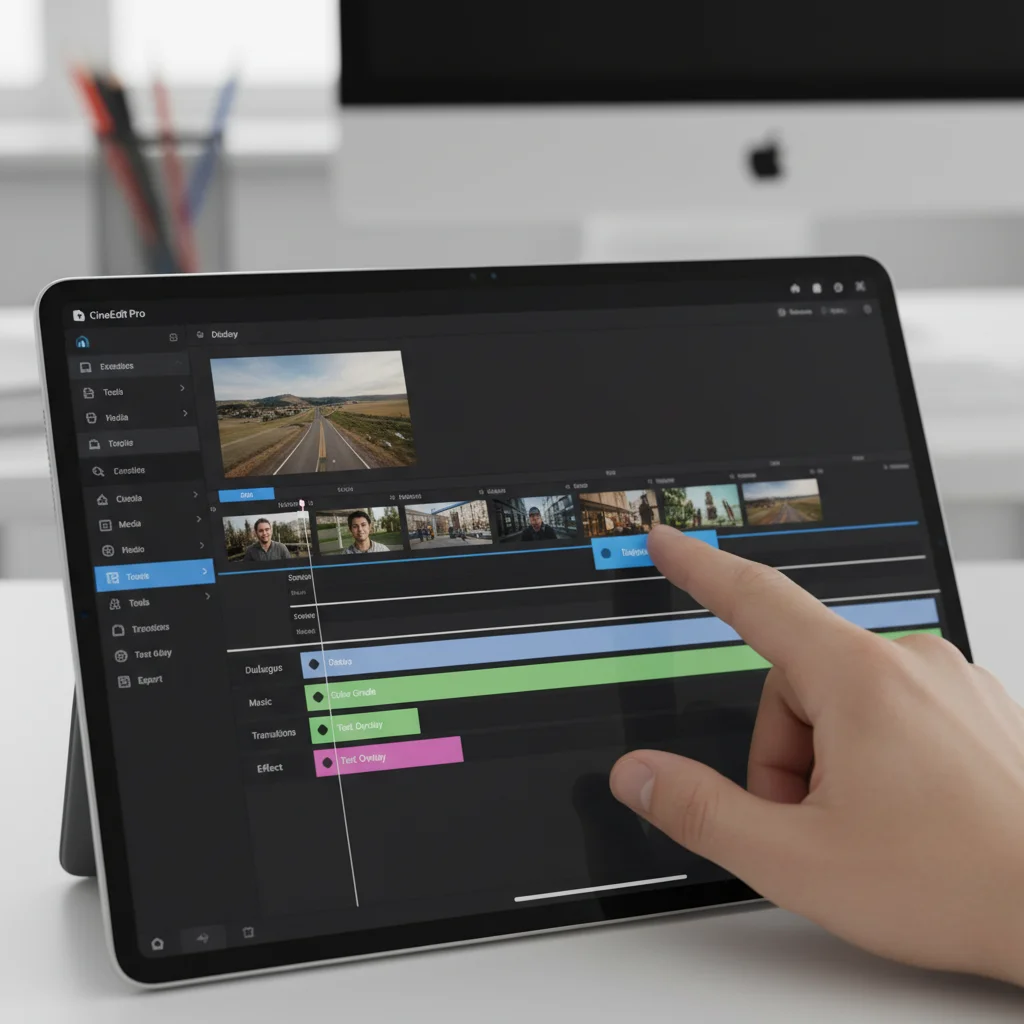
2. LumaFusion: The Creator’s Choice for iOS & Android
LumaFusion has long been a darling of the iOS video editing community, and its robust expansion to Android by 2026 has cemented its status as a cross-platform powerhouse for mobile 4K video editing. It strikes an excellent balance between professional features and an approachable user interface, making it a favorite among independent filmmakers, journalists, and educators.
Key Features and Why It Excels:
- Multi-Track Editing: LumaFusion supports up to six video/audio tracks for complex layering and mixing, plus an additional six audio tracks for narration, music, and sound effects. This allows for sophisticated mobile 4K video editing compositions.
- Magnetic Timeline: Its intuitive magnetic timeline automatically closes gaps between clips, making editing smoother and faster.
- Extensive Effects and Transitions: A rich library of visual effects, color correction tools (including LUT support), and customizable transitions allows for creative expression without ever leaving the app.
- Precise Keyframe Controls: For animations, effects, and audio adjustments, LumaFusion offers precise keyframe controls, enabling dynamic changes over time.
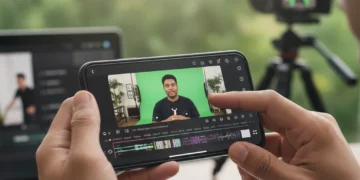
- Chroma Key (Green Screen): Easily remove green or blue screens to composite subjects into different backgrounds, a crucial feature for many types of content.
- Audio Mixer with EQ: Fine-tune your audio with a full-featured audio mixer, EQ, and various audio effects.
- Flexible Export Options: Export in various resolutions (including 4K), frame rates, and qualities, directly to social media, cloud storage, or external drives. Integration with Frame.io and other professional services is also a significant plus.
- Intuitive UI: Despite its depth, LumaFusion’s interface is remarkably user-friendly, designed with touch gestures in mind. It feels natural and responsive, even for intricate edits on mobile devices.
- Source Management: Efficiently manage your media from various sources, including external drives, cloud services, and camera rolls.
Ideal for: Freelance videographers, YouTubers, social media managers, and educators who need a powerful yet intuitive tool for mobile 4K video editing across both iOS and Android ecosystems. It’s a one-time purchase, offering excellent value.
Considerations: While powerful, it might not offer the same level of granular control in certain areas (like highly specialized VFX or advanced audio post-production) as DaVinci Resolve Mobile. However, for 95% of mobile 4K video editing tasks, it’s more than sufficient.
3. Adobe Premiere Rush: Quick Edits, Cloud Sync
Adobe Premiere Rush, by 2026, has evolved into an even more streamlined and powerful tool for quick, on-the-go mobile 4K video editing, particularly for content creators who value speed and seamless integration with the Adobe Creative Cloud ecosystem. It’s designed for efficiency, allowing users to capture, edit, and share professional-quality videos across devices.
Key Features and Why It Excels:
- Cross-Device Sync: One of Rush’s biggest strengths is its ability to sync projects across mobile devices and desktop (with Premiere Pro integration). Start editing on your phone, pick up on your tablet, and finish on your computer – all seamlessly. This cloud-based workflow is invaluable for creators who work across multiple platforms.
- Simplified Interface: Rush boasts an incredibly intuitive and uncluttered interface, perfect for beginners or those who need to make quick edits without getting bogged down in complex menus. It focuses on essential mobile 4K video editing tasks.
- Essential Editing Tools: It provides all the core editing functionalities: trim, cut, split, duplicate, and rearrange clips. You can also adjust speed, apply transitions, and add titles with ease.
- Built-in Templates and Graphics: A rich library of customizable motion graphics templates, animated titles, and transitions helps users create engaging content quickly, even without design experience.
- One-Click Audio Enhancements: Rush includes AI-powered audio tools for automatic ducking (lowering music volume when voiceover is present), noise reduction, and auto-balancing, ensuring clear and professional sound.
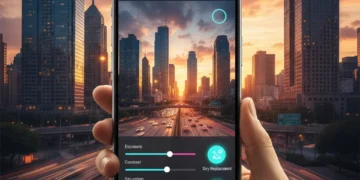
- Color Presets and Manual Adjustments: Apply stylish color filters or dive into manual adjustments for exposure, contrast, highlights, shadows, and more, to give your 4K footage the desired look.
- Direct Social Sharing: Optimized export presets for popular platforms like YouTube, Instagram, and TikTok allow for direct sharing at optimal settings, including 4K resolution.
- Integration with Creative Cloud: For Adobe Premiere Pro users, Rush acts as an excellent companion app, enabling a fluid workflow from mobile capture and initial edits to final polish on the desktop.
Ideal for: Social media influencers, vloggers, marketers, and anyone needing a fast, efficient, and cross-platform solution for mobile 4K video editing, especially those already invested in the Adobe ecosystem. Its simplicity makes it great for rapid content production.
Considerations: While powerful for quick edits, it lacks the deep, granular control found in DaVinci Resolve Mobile or LumaFusion for highly complex projects or advanced color grading. It operates on a subscription model, which might be a factor for some users.
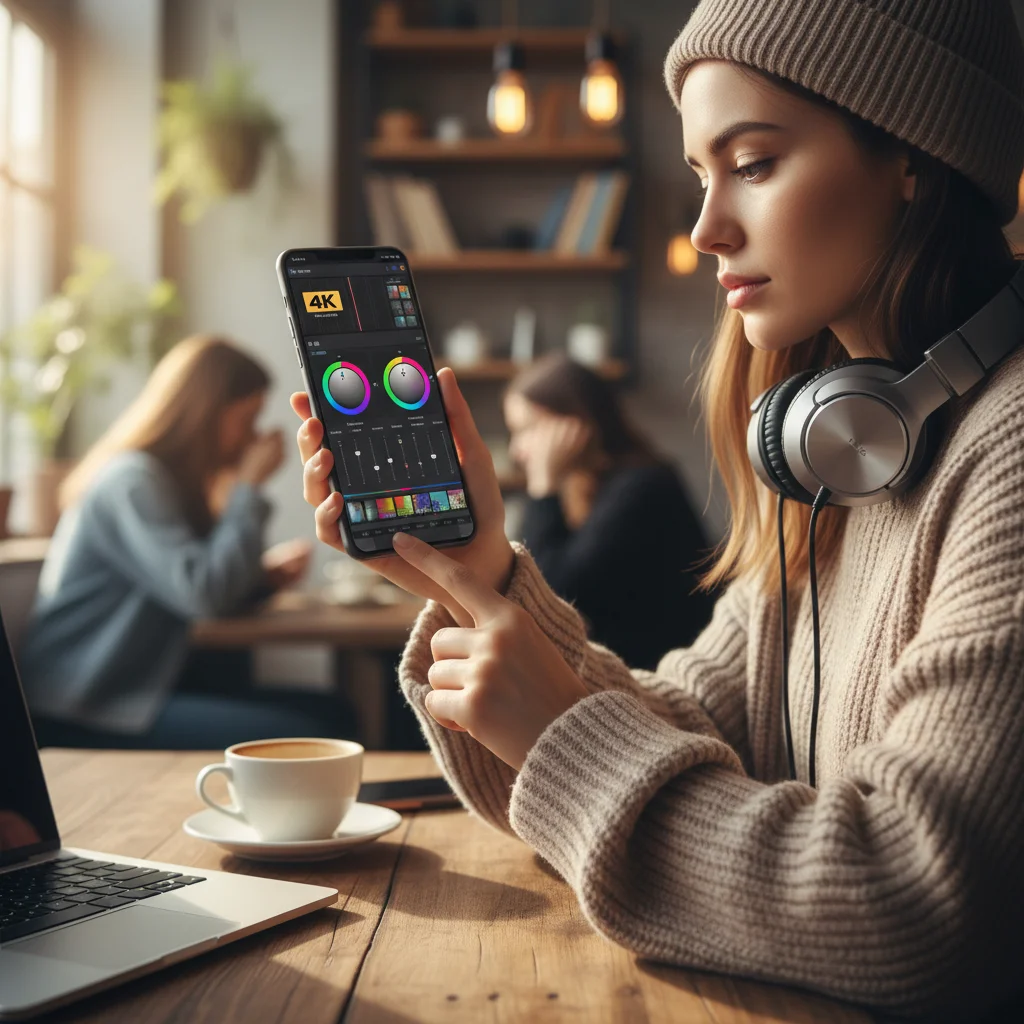
Emerging Trends and What to Expect in Mobile 4K Video Editing
The landscape of mobile 4K video editing is constantly evolving, and 2026 is seeing several key trends that will shape future app development and user experience:
AI-Powered Editing Automation
Artificial intelligence is already playing a significant role, and its influence will only grow. Expect more sophisticated AI-powered features such as:
- Intelligent Scene Detection: Apps will automatically identify key moments, cut silent sections, and even suggest optimal edits based on content.
- Automated Color Correction & Grading: AI will analyze footage and apply professional-grade color adjustments with minimal user input.
- Smart Object Tracking: Easier and more accurate tracking of objects for effects, titles, or masking, even in complex 4K footage.
- Generative AI for Content: While still nascent, expect AI to assist in generating background music, sound effects, or even basic visual elements based on video content and user prompts.
Enhanced Cloud Collaboration and Real-time Editing
The demand for remote work and collaborative projects continues to rise. Mobile 4K video editing apps will offer even more robust cloud integration, allowing multiple users to work on the same project simultaneously, with real-time feedback and version control. This will transform how teams produce high-quality 4K content, regardless of their physical location.
Spatial Computing and AR Integration
As mixed reality devices and spatial computing platforms become more prevalent, expect mobile 4K video editing apps to integrate with these technologies. Imagine editing a 4K video project by manipulating clips in a 3D space around you, or using AR overlays to visualize effects before rendering. This could offer entirely new paradigms for interacting with and creating video content.
Optimized Performance for Next-Gen Mobile Hardware
Mobile chipsets are becoming increasingly powerful, with dedicated AI accelerators and advanced GPU architectures. Mobile 4K video editing apps will be optimized to leverage this hardware fully, leading to even faster rendering, more complex real-time effects, and the ability to handle higher bitrates and more demanding codecs without sacrificing performance.
Deeper Integration with Camera Capabilities
Mobile cameras are not just about resolution; they’re about computational photography, advanced sensors, and specialized lenses. Future mobile 4K video editing apps will offer deeper integration with these camera features, allowing for more control over aspects like computational RAW editing, advanced stabilization data, and even specialized lens corrections directly within the editing environment.
Harnessing the Power of Mobile 4K Video Editing: Tips for Success
Regardless of which app you choose for your mobile 4K video editing needs, a few best practices can help you maximize your efficiency and output quality:
- Use a Powerful Device: While many apps run on various phones, for seamless 4K editing, invest in a flagship smartphone or tablet with ample RAM and a high-performance processor.
- External Storage is Your Friend: 4K files are large. Consider using external SSDs or cloud storage solutions to manage your media without filling up your device’s internal storage.
- Optimize Your Workflow: Plan your shots, organize your media, and create a consistent workflow. Even on mobile, a structured approach saves time.
- Master the Basics: Before diving into complex effects, ensure you have a solid grasp of fundamental editing techniques: effective cuts, pacing, and storytelling.
- Learn Keyboard Shortcuts (if available): Many mobile apps support external keyboards. Learning shortcuts can drastically speed up your editing process.
- Utilize Proxies (if supported): For extremely demanding 4K footage, some apps offer proxy editing, where you edit with lower-resolution copies and then render the final output in 4K.
- Backup Your Projects: Always back up your projects to the cloud or an external drive. Mobile devices can be lost or damaged.
- Experiment and Explore: Each app has unique features. Don’t be afraid to experiment with different tools and techniques to find what works best for your creative style.
Conclusion: The Future is Mobile and in 4K
The world of mobile 4K video editing in 2026 is vibrant, powerful, and more accessible than ever before. With applications like DaVinci Resolve Mobile, LumaFusion, and Adobe Premiere Rush leading the charge, creators have an unprecedented array of tools at their fingertips to produce stunning, high-resolution content directly from their smartphones and tablets. These apps are not just convenience tools; they are legitimate production strongholds, capable of delivering professional-grade results.
Whether you’re a seasoned professional looking for an agile workflow or an aspiring content creator taking your first steps into filmmaking, the power of mobile 4K video editing is undeniable. By understanding the capabilities of these top apps and embracing emerging trends, you can elevate your storytelling, engage your audience with breathtaking visuals, and truly bring your creative concepts to life, all from the device you carry every day. The future of content creation is here, and it’s mobile, brilliant, and in glorious 4K.