Optimize Gaming PC 2026: Ultimate Performance Guide
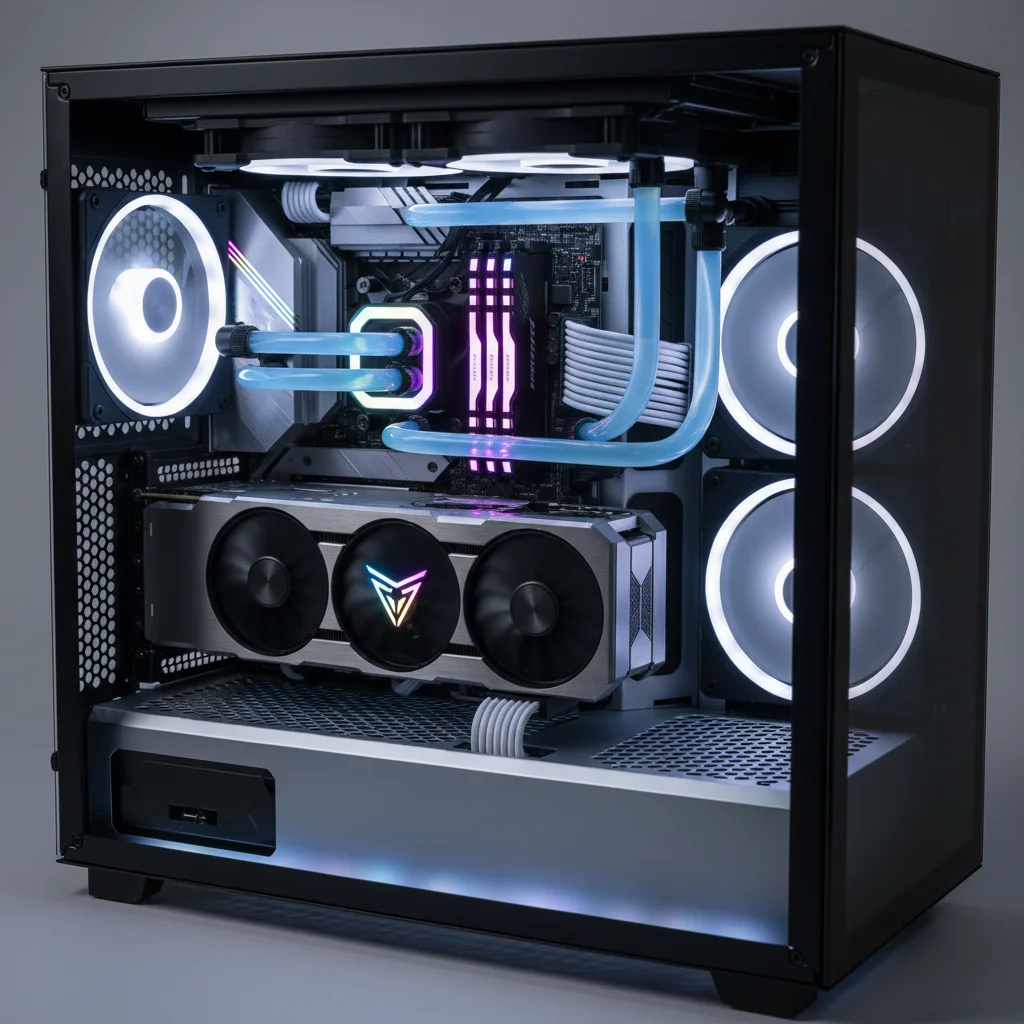
In the ever-evolving world of PC gaming, staying ahead of the curve means constantly refining and enhancing your setup. As we charge into 2026, the demands of new titles push hardware and software to their limits. If you’re looking to squeeze every last frame per second (FPS) out of your machine and ensure a buttery-smooth, immersive gaming experience, you’ve come to the right place. This comprehensive guide will walk you through the essential steps to optimize gaming PC performance, covering everything from hardware considerations to intricate software tweaks and maintenance tips.
Gone are the days when simply installing a new graphics card was enough. Today, true optimization requires a holistic approach, delving deep into system settings, drivers, cooling solutions, and even your internet connection. Whether you’re a seasoned PC enthusiast or a newcomer eager to get the most out of your rig, this guide is tailored to help you achieve unparalleled gaming performance in 2026. Let’s embark on this journey to transform your gaming experience.
Understanding Your Gaming PC’s Foundation: Hardware Assessment
Before diving into tweaks, it’s crucial to understand your current hardware. Knowing the specifications of your CPU, GPU, RAM, and storage is the first step in identifying potential bottlenecks and areas for improvement. A well-balanced system is key to optimal performance.
CPU (Central Processing Unit): The Brain of Your Rig
Your CPU handles everything from game logic to AI and physics. While not always the primary factor for FPS, a weak CPU can bottleneck even the most powerful GPU. For 2026, a multi-core processor (at least 6 cores, preferably 8 or more) with high clock speeds is recommended for demanding titles. Ensure your CPU cooler is adequate, as thermal throttling can severely impact performance. Consider upgrading if you’re still running an older generation processor that struggles with modern game requirements. Monitoring CPU utilization during gameplay can reveal if it’s struggling to keep up, often indicated by consistently high usage percentages.
GPU (Graphics Processing Unit): The Heart of Gaming
The GPU is arguably the most critical component for gaming performance. It renders all the visuals you see on your screen. For 2026, GPUs with ample VRAM (12GB or more for 1440p and 4K gaming) and powerful processing cores are essential. Keep an eye on new releases from NVIDIA and AMD; their latest generations often offer significant performance leaps. Always ensure your graphics card drivers are up-to-date, as these frequently include game-specific optimizations and bug fixes that directly impact FPS. A common mistake is overlooking driver updates, which can leave a lot of performance on the table. Regular checks for new drivers should be a routine part of your maintenance.
RAM (Random Access Memory): Speed and Capacity Matter
While 16GB of RAM has been the standard for a while, 32GB is becoming increasingly beneficial for high-end gaming, especially for games with large open worlds or when multitasking. More importantly, RAM speed (measured in MHz) and timings (CAS latency) play a significant role. Faster RAM can reduce loading times and improve overall system responsiveness, directly contributing to a smoother gaming experience. Ensure your RAM is running at its advertised speed by enabling XMP (Extreme Memory Profile) or DOCP (Direct Over Clock Profile) in your BIOS. This often overlooked step can provide a noticeable performance boost, as RAM often defaults to slower speeds out of the box.
Storage: SSDs are Non-Negotiable
If you’re still gaming on a Hard Disk Drive (HDD), it’s time for an upgrade. Solid State Drives (SSDs), particularly NVMe M.2 drives, offer vastly superior loading times and overall system snappiness. Installing your operating system and primary games on an NVMe SSD will drastically improve your experience, reducing waiting times and texture pop-in. The speed difference between an HDD and an NVMe SSD is monumental, impacting everything from boot times to level loading and asset streaming within games. This is one of the most impactful upgrades you can make for general system responsiveness and gaming quality.
Software Optimization: Unleashing Your PC’s Potential
Once your hardware foundation is solid, the real magic of optimization begins with software tweaks. These adjustments can often provide significant performance gains without spending a dime.
Driver Updates: The First and Most Important Step
We touched on this briefly, but it bears repeating: keeping your drivers updated is paramount. This includes not just your GPU drivers (NVIDIA GeForce Experience or AMD Adrenalin Software) but also chipset drivers, audio drivers, and network drivers. Manufacturers constantly release updates that improve stability, performance, and compatibility with new games. Make it a habit to check for updates at least once a month.
Operating System Optimization (Windows 10/11)
- Game Mode: Windows 10 and 11 have a built-in Game Mode that prioritizes game processes and minimizes background activity. Ensure it’s enabled in your Windows settings.
- Disable Visual Effects: Head to ‘System Properties’ > ‘Advanced’ > ‘Performance Settings’ and choose ‘Adjust for best performance’. This disables unnecessary visual flair that consumes resources.
- Power Plan: Set your power plan to ‘High Performance’ or ‘Ultimate Performance’ (if available) to ensure your CPU and GPU aren’t being throttled by power-saving features.
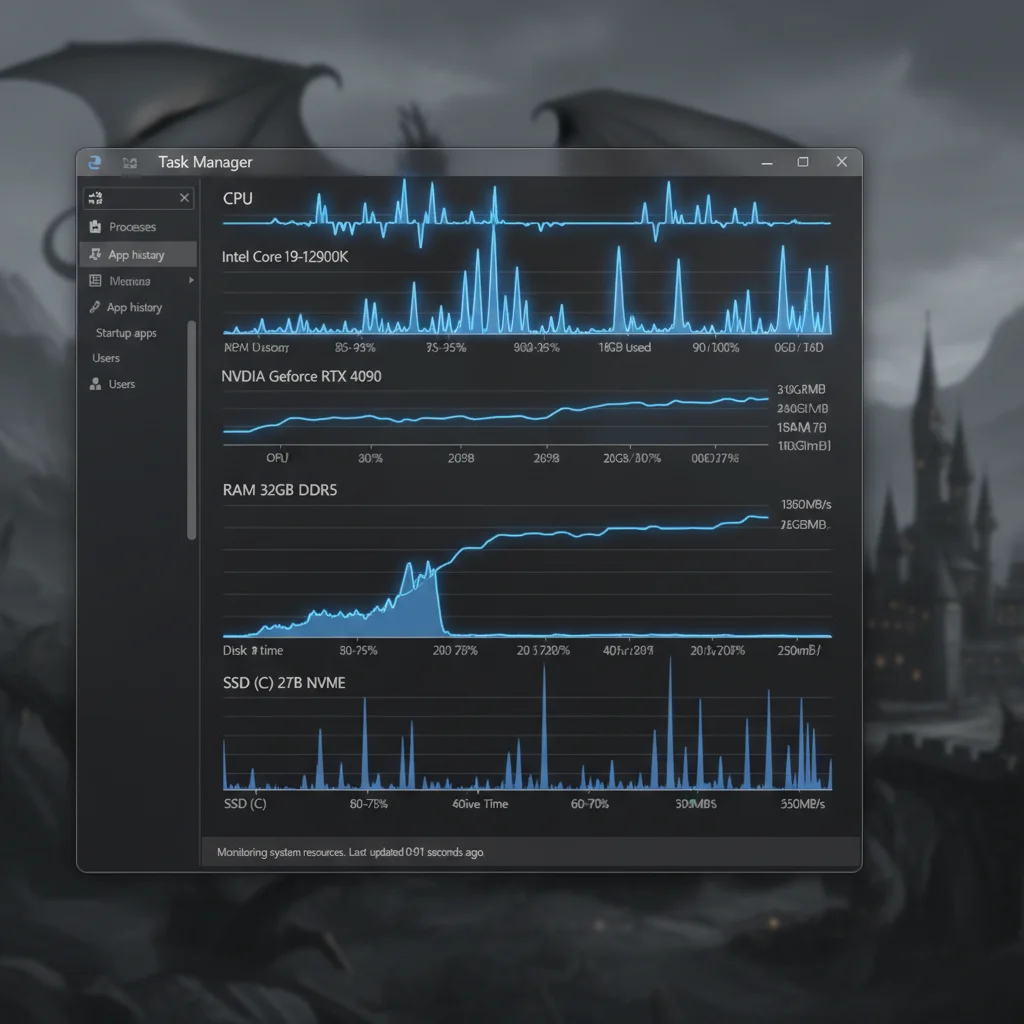
- Disable Startup Programs: Many applications launch automatically with Windows, consuming precious RAM and CPU cycles. Use Task Manager (Ctrl+Shift+Esc) to disable unnecessary startup programs.
- Background Apps: In Windows settings, go to ‘Privacy’ > ‘Background apps’ and turn off applications you don’t need running in the background.
- Notifications: Disable unnecessary notifications that can pop up during gameplay and cause distractions or minor performance hiccups.
In-Game Settings: The Art of Balancing Fidelity and Performance
This is where many gamers can make or break their experience. Understanding which settings impact performance the most is key:
- Resolution: Lowering your resolution will significantly boost FPS, but at the cost of visual clarity. Find your sweet spot.
- Texture Quality: Primarily impacts VRAM usage. If you have enough VRAM, you can usually keep this high.
- Shadows: Shadows are notoriously demanding. Reducing shadow quality or resolution can yield substantial FPS gains.
- Anti-Aliasing: Techniques like MSAA are very resource-intensive. Try less demanding options like FXAA or TAA, or use modern upscaling technologies.
- Post-Processing Effects: Bloom, depth of field, motion blur, and lens flares can look good but often come with a performance cost. Experiment with turning them down or off.
- View Distance/Draw Distance: Affects how far objects are rendered. Lowering this can improve CPU and GPU performance in open-world games.
- Ray Tracing: While visually stunning, ray tracing is extremely demanding. Unless you have a top-tier GPU, consider disabling or reducing its quality for better FPS.
- Upscaling Technologies (DLSS, FSR, XeSS): These are game-changers. NVIDIA’s DLSS, AMD’s FSR, and Intel’s XeSS use AI or clever algorithms to render games at a lower resolution and then upscale them to your target resolution, often with minimal visual degradation and massive FPS improvements. Always enable these if supported by your game and GPU.
Advanced Tuning and Overclocking
For those comfortable with a bit more technicality, advanced tuning and overclocking can unlock even more performance. However, proceed with caution, as improper settings can lead to instability or hardware damage.
GPU Overclocking
Overclocking your GPU involves increasing its core clock speed and memory clock speed beyond factory settings. Tools like MSI Afterburner or ASUS GPU Tweak allow you to do this safely. Start with small increments, test stability with benchmarks (e.g., Heaven Benchmark, 3DMark), and monitor temperatures rigorously. A stable overclock can provide a noticeable FPS bump.
CPU Overclocking (for K-series Intel or X-series AMD CPUs)
If your CPU is unlocked (e.g., Intel ‘K’ series or AMD Ryzen X/XT/X3D series), you can often overclock it via your motherboard’s BIOS/UEFI. This can improve performance in CPU-bound games. Again, proceed cautiously, research guides specific to your CPU and motherboard, and ensure you have adequate cooling. Stress testing with tools like Prime95 or Cinebench is essential to verify stability.
RAM Overclocking/Tuning
Beyond enabling XMP/DOCP, advanced users can manually tweak RAM timings for even better performance. This is a complex process and requires in-depth knowledge, but tight timings can significantly reduce latency and boost CPU performance in certain scenarios. Consult specialized guides if you choose to go down this route.
Maintaining Optimal Performance: Regular Housekeeping
Optimization isn’t a one-time task; it’s an ongoing process. Regular maintenance ensures your gaming PC continues to perform at its best.
Keep Your System Clean: Both Physical and Digital
- Physical Cleaning: Dust is the enemy of performance. It insulates components, leading to higher temperatures and thermal throttling. Regularly clean your PC’s internals with compressed air, paying special attention to CPU heatsinks, GPU fans, and case filters. This is crucial to maintain effective cooling and prevent performance degradation over time.
- Digital Cleaning: Periodically uninstall games and applications you no longer use. Run disk cleanup utilities to remove temporary files and clear your browser cache. A cluttered drive, especially your primary OS drive, can lead to performance issues.
Defragment Your Drives (HDDs Only)
If you still have an HDD for game storage, defragmenting it regularly can help improve loading times. However, never defragment an SSD, as it can reduce its lifespan without offering any performance benefit. SSDs manage data differently and do not suffer from fragmentation in the same way HDDs do.
Monitor Temperatures and Usage
Tools like HWMonitor, MSI Afterburner (with RivaTuner Statistics Server), or NZXT CAM allow you to monitor CPU and GPU temperatures, clock speeds, and usage during gameplay. High temperatures are a clear indicator of potential thermal throttling, which means your components are reducing their performance to prevent overheating. If you notice consistently high temperatures, it’s time to improve your cooling solution—whether it’s adding more case fans, upgrading your CPU cooler, or reapplying thermal paste.
Internet Connection and Network Optimization
While not directly related to raw FPS, a stable and fast internet connection is vital for online gaming. Ensure you’re using an Ethernet connection over Wi-Fi whenever possible to reduce latency and packet loss. Prioritize your gaming PC’s network traffic through your router’s Quality of Service (QoS) settings. Close bandwidth-intensive background applications like streaming services or large downloads when gaming.
Future-Proofing Your Gaming PC for 2026 and Beyond
As technology rapidly advances, staying relevant requires a forward-thinking approach. While you can’t truly ‘future-proof’ a PC indefinitely, you can make smart decisions to maximize its longevity and upgrade potential.
Modular Power Supply (PSU)
A high-quality, modular power supply with sufficient wattage (e.g., 750W-1000W for high-end systems) is an excellent investment. It provides clean power, is easier to manage cables, and offers headroom for future GPU upgrades, which often demand more power.
Motherboard with Upgrade Paths
When building or upgrading, choose a motherboard that supports future CPU generations (if possible within the same socket) and offers ample PCIe lanes for potential future expansion, such as more NVMe drives or even a second GPU (though less common for gaming now). Look for boards with PCIe 5.0 support for future-gen GPUs and SSDs.
Adequate Cooling Solutions
Investing in a robust cooling solution from the start – whether it’s a high-end air cooler or an AIO (All-In-One) liquid cooler – will pay dividends. Better cooling allows components to run at their boost clocks for longer, improving performance and extending their lifespan. Consider case airflow; a well-ventilated case with good fan placement is crucial.
Regular Backups
While not directly performance-related, regularly backing up your important game saves and system configurations can save you a lot of headaches if something goes wrong during optimization or a hardware failure occurs. Cloud storage services or external drives are excellent options for this.
Common Pitfalls to Avoid When Optimizing
While the desire to maximize performance is strong, certain actions can be counterproductive or even harmful:
- Over-Aggressive Overclocking: Pushing your hardware too far without proper testing and cooling can lead to system instability, crashes, and potentially reduce the lifespan of your components. Always prioritize stability over a few extra MHz.
- Blindly Following Online Guides: Not all advice is universally applicable. What works for one system configuration might not work for another. Understand why you’re making a change before implementing it.
- Installing Dubious ‘Optimization’ Software: Many third-party programs claim to ‘boost’ your PC’s performance with one click. Most are ineffective, some are malware, and others can cause more problems than they solve. Stick to reputable tools and manual tweaks.
- Neglecting Thermal Management: High temperatures are the enemy of performance and longevity. Ignoring cooling issues will inevitably lead to thermal throttling and reduced component lifespan.
- Ignoring Driver Updates: As mentioned, outdated drivers are a common cause of performance issues and instability. Make it a priority to keep them current.
- Running Too Many Background Processes: Even minor applications can consume valuable CPU cycles and RAM. Be diligent in closing unnecessary apps before gaming.
Conclusion: The Journey to Peak Gaming Performance
Optimizing your gaming PC for 2026 is an ongoing journey that combines smart hardware choices, meticulous software configuration, and diligent maintenance. By following the steps outlined in this guide, you can significantly enhance your gaming experience, achieving higher FPS, smoother gameplay, and greater immersion.
Remember to approach optimization systematically: start with your hardware foundation, move to essential software tweaks, and then consider advanced tuning if you’re comfortable. Always monitor your system’s behavior, especially temperatures, and make incremental changes. The goal is not just raw power, but a balanced, stable, and enjoyable gaming environment.
With these strategies, your gaming PC will not only meet the demands of today’s most graphically intensive titles but also be well-prepared for the challenges and innovations that the future of gaming in 2026 and beyond will bring. Happy gaming!