Smart Home Security 2026: 7 Steps to Protect Your Devices

How to Secure Your Smart Home Devices from Cyber Threats in 2026: A 7-Step Guide to Protecting Your Privacy
The year 2026 is here, and with it, an even more interconnected world. Our homes are smarter than ever, filled with devices that promise convenience, efficiency, and entertainment. From smart thermostats and lighting systems to security cameras, door locks, and voice assistants, the Internet of Things (IoT) has transformed our living spaces. However, this increased connectivity also brings a heightened risk of cyber threats. As technology evolves, so do the tactics of malicious actors. Protecting your digital sanctuary, your smart home, is no longer optional; it’s essential. This comprehensive guide will walk you through 7 crucial steps to bolster your smart home security in 2026, safeguarding your privacy and peace of mind.
The Evolving Landscape of Smart Home Security in 2026
In 2026, the average household boasts an impressive array of smart devices, often numbering in the dozens. While these devices offer unparalleled comfort and control, each one represents a potential entry point for cyber attackers. The threats range from simple data breaches and privacy invasions to more sophisticated attacks that could compromise your physical safety. Imagine your smart locks being disabled, your security cameras being hijacked for surveillance, or your personal data being stolen from your voice assistant. These aren’t futuristic scenarios; they are present-day risks that demand proactive measures.
The sheer volume of connected devices, coupled with often-lax security practices by manufacturers and users alike, creates a fertile ground for cybercriminals. Many consumers prioritize convenience over security, often leaving default passwords unchanged or neglecting software updates. This oversight can have dire consequences, turning your smart home into a vulnerable target. Therefore, understanding the current threat landscape and implementing robust smart home security protocols is paramount.
Step 1: Master Your Network Security – The Foundation of Your Smart Home
Your home network is the central nervous system of your smart home. If it’s compromised, all connected devices are at risk. In 2026, standard Wi-Fi passwords are no longer enough. You need to implement a multi-layered approach to network security.
Strong, Unique Router Passwords
This is the most basic yet often overlooked step. Change the default username and password of your router immediately. Use a complex, unique password that combines uppercase and lowercase letters, numbers, and symbols. Avoid using easily guessable information like your birth date or street name.
Enable WPA3 Encryption
Ensure your Wi-Fi network uses WPA3 (Wi-Fi Protected Access 3) encryption. WPA3 is the latest standard, offering stronger encryption and more robust protection against brute-force attacks compared to its predecessors (WPA2, WPA). Most modern routers support WPA3, and if yours doesn’t, it might be time for an upgrade.
Create a Dedicated IoT Network (VLAN)
One of the most effective smart home security measures is to segment your network. Create a separate Wi-Fi network (a Virtual Local Area Network, or VLAN) specifically for your smart home devices. This isolates your IoT devices from your main network, where your personal computers, smartphones, and sensitive data reside. If an IoT device is compromised, attackers will have a harder time accessing your more critical devices.
Disable UPnP (Universal Plug and Play)
While convenient, UPnP can be a security vulnerability. It automatically opens ports on your router, making it easier for devices to communicate, but also potentially exposing them to the internet. Disable UPnP on your router and manually configure port forwarding only when absolutely necessary for specific applications.
Step 2: Prioritize Device Authentication – Beyond Simple Passwords
Each smart device is a potential entry point. Strengthening authentication for every single device is critical for robust smart home security.
Unique and Complex Passwords for Every Device
Just like your router, every smart device has default credentials. Change them immediately. Do not reuse passwords across multiple devices. Use a password manager to generate and store strong, unique passwords for each smart lock, camera, thermostat, and voice assistant. This is non-negotiable for effective smart home security.
Implement Multi-Factor Authentication (MFA)
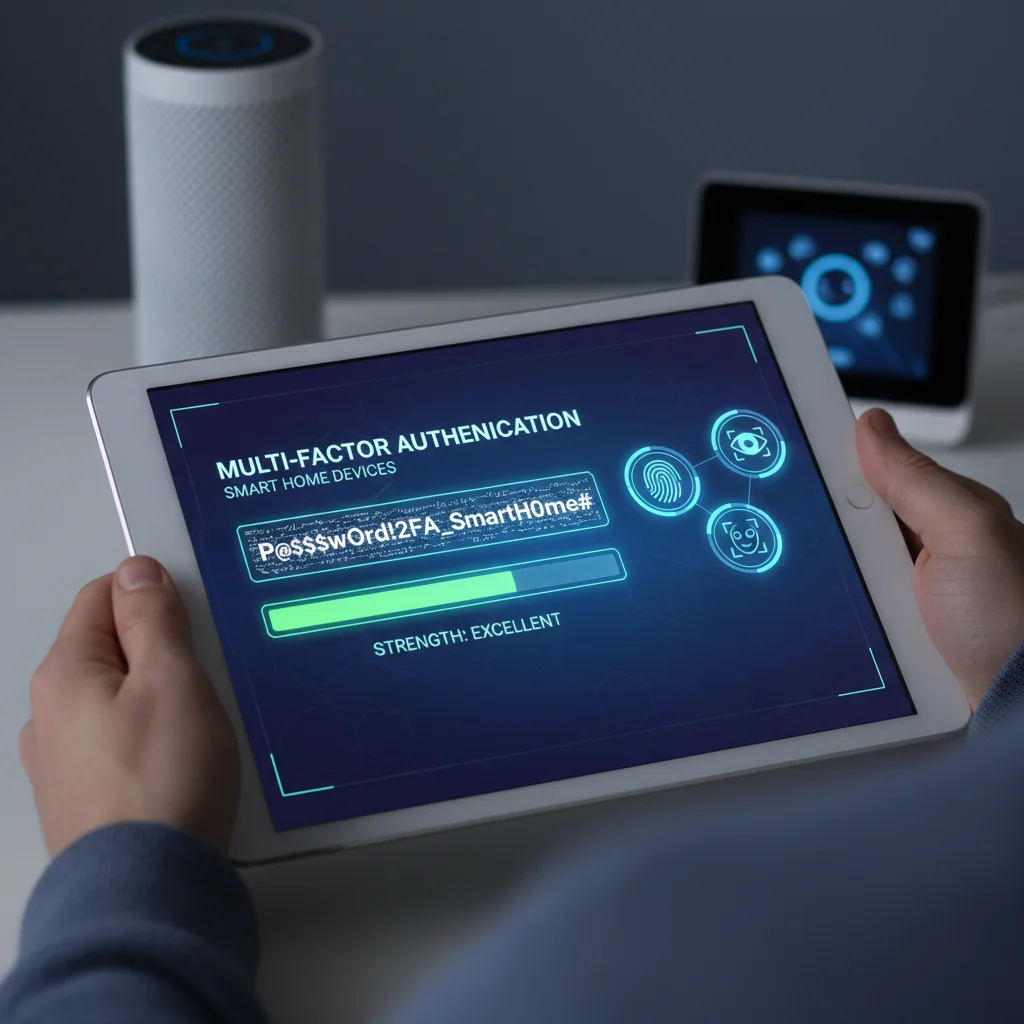
Wherever possible, enable MFA. This adds an extra layer of security by requiring a second form of verification, such as a code sent to your phone or a biometric scan, in addition to your password. Many smart home platforms and devices now offer MFA, and taking advantage of it significantly reduces the risk of unauthorized access.
Biometric Authentication
For devices that support it, such as smart door locks or certain security systems, utilize biometric authentication (fingerprint, facial recognition). While not foolproof, it adds a substantial barrier to entry for unauthorized users.
Step 3: Keep Everything Updated – The Latest Defenses Against New Threats
Software and firmware updates aren’t just about new features; they are crucial for patching security vulnerabilities. Neglecting updates leaves your devices exposed to known exploits.
Regular Firmware Updates for All Devices
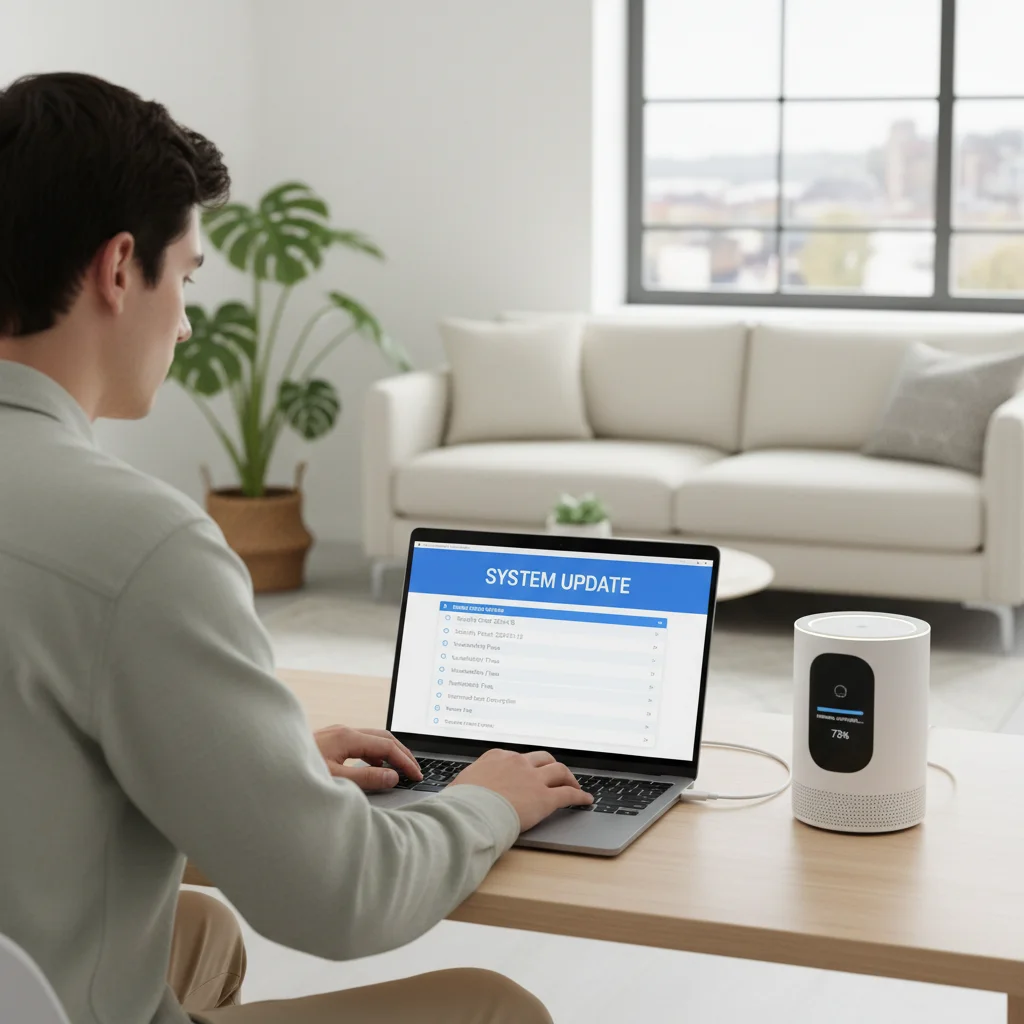
Treat your smart devices like your computer or smartphone. Check for and install firmware updates regularly. Many devices offer automatic updates, but it’s wise to verify they are enabled and functioning correctly. Manufacturers constantly release patches for newly discovered vulnerabilities, and staying updated ensures you have the latest defenses.
Update Your Router’s Firmware
Your router’s firmware is just as important as your devices’. Router manufacturers frequently release updates to address security flaws. Consult your router’s manual or manufacturer’s website for instructions on how to check for and apply firmware updates. This is a vital component of overall smart home security.
Operating System and App Updates
Ensure that the operating systems of your control devices (smartphones, tablets, computers) and the smart home apps themselves are always up to date. These updates often contain critical security patches that protect your interactions with your smart home ecosystem.
Step 4: Audit Your Privacy Settings – Control Your Data
Smart devices collect a wealth of data about your habits, routines, and even your conversations. Understanding and controlling these data flows is paramount for protecting your privacy.
Review Privacy Policies
Before purchasing or setting up a new smart device, take the time to read its privacy policy. Understand what data the device collects, how it’s used, and with whom it’s shared. Make informed decisions about which devices you allow into your home.
Adjust Data Collection Settings
Most smart devices and their accompanying apps allow you to customize privacy settings. Go through each device’s settings and disable any unnecessary data collection, microphone access, or camera access. For example, if your smart TV has a microphone for voice commands, you might consider disabling it if you rarely use the feature.
Understand Voice Assistant Data
Voice assistants like Amazon Alexa, Google Assistant, and Apple Siri record and process your voice commands. Review their privacy settings to understand how your voice data is stored, used, and deleted. You can often opt out of sharing voice recordings for product improvement or set up automatic deletion of recordings after a certain period.
Location Data Control
Many smart devices use location data for geofencing features (e.g., turning lights on when you arrive home). While convenient, ensure you understand how this data is used and restrict access to location services only to apps and devices that genuinely require it for their functionality.
Step 5: Secure Your Physical Devices – Beyond the Digital Realm
Smart home security isn’t just about digital threats; physical security also plays a crucial role. A compromised physical device can lead to digital breaches.
Physical Access Control
Ensure your smart devices, especially hubs and routers, are placed in secure locations that are not easily accessible to unauthorized individuals. If someone gains physical access to your router, they could potentially reset it or install malicious firmware.
Secure Outdoor Devices
Smart outdoor cameras, doorbells, and locks are exposed to the elements and potential tampering. Ensure they are securely mounted and protected from physical damage or removal. Choose devices with tamper detection features that alert you if someone tries to interfere with them.
Dispose of Old Devices Securely
When you replace or dispose of old smart devices, perform a factory reset to erase all personal data. Simply deleting an app or unplugging a device isn’t enough. Many devices store sensitive information internally, which could be recovered by someone else if not properly wiped.
Step 6: Regular Monitoring and Auditing – Staying Vigilant
Even with the best security measures in place, vigilance is key. Regularly monitoring your smart home’s activity can help you detect and respond to potential threats quickly.
Review Device Activity Logs
Many smart home hubs and individual devices offer activity logs. Regularly review these logs for any unusual or unauthorized activity. For example, check if a smart lock was unlocked at an odd hour or if a camera accessed its feed when no one was home.
Network Monitoring Tools
Consider using network monitoring tools or apps that can identify all devices connected to your home network. This helps you spot any unknown or unauthorized devices that might have gained access. Some advanced routers also offer built-in network scanning features.
Security Audits and Penetration Testing (for advanced users)
For those with a deeper technical understanding, periodically perform a security audit of your smart home network. This could involve using vulnerability scanners to identify open ports or weak configurations. Some companies even offer professional smart home penetration testing services.
Step 7: Educate Yourself and Your Household – The Human Element of Security
Technology is only as strong as its weakest link, and often, that link is human error. Educating everyone in your household about smart home security best practices is crucial.
Awareness of Phishing and Social Engineering
Teach family members to be wary of suspicious emails, texts, or calls that might attempt to trick them into revealing passwords or granting unauthorized access. Phishing attacks often target smart home users by impersonating device manufacturers or service providers.
Safe Password Practices
Reinforce the importance of using strong, unique passwords and never sharing them. Explain why multi-factor authentication is important and how to use it correctly. This is a fundamental aspect of maintaining robust smart home security.
Guest Network Usage
When guests visit, provide them with access to a separate guest Wi-Fi network, if your router supports it. This prevents them from directly accessing your main smart home network and its devices, adding an extra layer of protection.
Reporting Suspicious Activity
Establish a clear procedure for reporting any suspicious activity or perceived security breaches within the household. Early detection and reporting can prevent minor incidents from escalating into major problems.
The Future of Smart Home Security: What to Expect Beyond 2026
As we move further into the decade, smart home security will continue to evolve at a rapid pace. Here’s a glimpse of what the future might hold:
AI-Powered Security
Artificial intelligence and machine learning will play an even greater role in detecting anomalies and predicting threats. AI-powered systems will learn your home’s normal patterns and alert you to anything out of the ordinary, from unusual network traffic to unexpected device activation.
Enhanced Biometrics and Behavioral Analytics
Beyond fingerprints and facial recognition, future smart homes might incorporate advanced behavioral analytics, recognizing gait, voice patterns, or even typing rhythm to authenticate users. This could lead to a more seamless yet highly secure experience.
Decentralized Identity and Blockchain
The concept of decentralized identity, potentially powered by blockchain technology, could offer a more secure and private way for devices to authenticate themselves and share data without relying on centralized servers that are prone to breaches. This could revolutionize how we manage permissions and data access in our smart homes.
Standardized Security Protocols
Expect to see more industry-wide efforts to standardize security protocols and certifications for IoT devices. This would make it easier for consumers to identify and purchase truly secure smart home products, reducing the burden on individuals to vet every device.
Quantum-Resistant Encryption
As quantum computing advances, current encryption methods could become vulnerable. Research into quantum-resistant encryption will become critical to ensure the long-term security of our smart homes against future threats.
Conclusion: Your Proactive Approach to Smart Home Security
The convenience and innovation offered by smart home devices are undeniable, but they come with a responsibility: to secure them against the ever-present threat of cyberattacks. By following these 7 essential steps, you can significantly enhance your smart home security in 2026 and beyond. From fortifying your network and implementing strong authentication to keeping your devices updated and educating your household, each measure contributes to a more resilient and private digital living space.
Remember, security is not a one-time setup but an ongoing process. Stay informed about the latest threats, regularly review your security posture, and embrace new technologies that promise to make your smart home even safer. Your privacy and peace of mind depend on it. Make smart home security a priority today.