Master Photo Editing: Top Apps for Professional Results in Under 5 Minutes (2026 Guide)
The Ultimate 2026 Guide to Photo Editing Apps: Achieving Professional Results in Under 5 Minutes per Image
In the fast-paced world of digital content creation, the ability to produce stunning, professional-quality images quickly is no longer a luxury—it’s a necessity. Whether you’re a burgeoning influencer, an e-commerce entrepreneur, a passionate hobbyist, or simply someone who loves sharing life’s moments, the demand for visually appealing photographs has never been higher. Yet, the thought of spending hours painstakingly editing each photo can be daunting. What if we told you that in 2026, achieving professional results in under 5 minutes per image is not only possible but easily attainable with the right photo editing apps?
This comprehensive guide delves into the cutting-edge of mobile and desktop photo editing, showcasing the most powerful, intuitive, and efficient photo editing apps that leverage artificial intelligence (AI), streamlined workflows, and advanced algorithms to transform your raw captures into polished masterpieces. We’ll explore the features that set these applications apart, how they can dramatically cut down your editing time, and ultimately, help you elevate your visual storytelling without sacrificing quality.
The evolution of photo editing apps has been nothing short of revolutionary. Gone are the days when sophisticated image manipulation was reserved for desktop powerhouses like Adobe Photoshop, demanding a steep learning curve and significant time investment. Today, the landscape is dominated by intelligent, accessible tools that put professional editing capabilities right at your fingertips, often for free or at a minimal cost. This guide is your roadmap to navigating this exciting ecosystem, ensuring you pick the best tools for your specific needs and workflow.
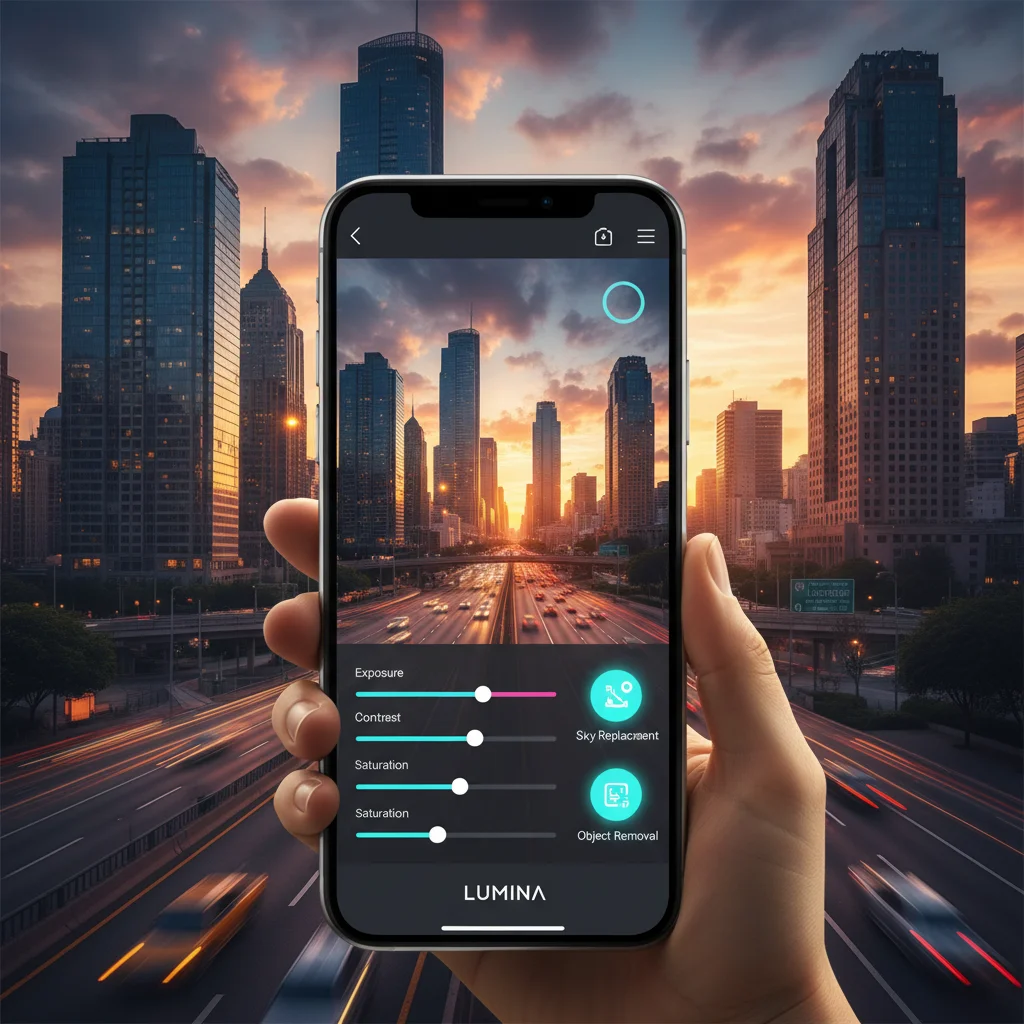
We understand that ‘professional results’ can mean different things to different people. For some, it’s about achieving perfect skin tones and vibrant colors for a portrait. For others, it’s about dramatic sky replacements in a landscape shot or precise object removal from a product photo. The beauty of the 2026 generation of photo editing apps is their versatility and specialization. Many now integrate AI-powered features that can analyze an image and suggest optimal adjustments, or even perform complex tasks with a single tap, truly embodying the promise of ‘under 5 minutes per image’.
So, buckle up as we embark on this journey to discover how you can revolutionize your photo editing workflow and consistently produce captivating images with unprecedented speed and ease. Your quest for the perfect photo editing apps ends here.
The Paradigm Shift: How AI and Automation Are Redefining Photo Editing Apps
The cornerstone of achieving professional results in record time lies in the advancements of artificial intelligence and automation within photo editing apps. In 2026, AI is no longer a nascent technology; it’s deeply integrated into the core functionalities of leading applications, transforming tedious manual tasks into instant, intelligent operations. This section explores the key ways AI is reshaping the editing landscape.
AI-Powered One-Tap Enhancements and Presets
One of the most significant time-savers offered by modern photo editing apps is the intelligent one-tap enhancement feature. These aren’t your grandmother’s auto-correct buttons. Today’s AI-driven algorithms analyze everything from exposure and white balance to color saturation and contrast, applying a suite of adjustments tailored to the specific characteristics of your image. Some apps even categorize your photos (e.g., ‘portrait’, ‘landscape’, ‘food’) and apply context-aware enhancements. This means that with a single tap, you can often achieve a baseline professional look that would have previously required several manual slider adjustments.
Beyond basic enhancements, AI also powers incredibly sophisticated presets. These aren’t just filter overlays; they are intelligent styles that adapt to your image, ensuring a consistent aesthetic across your portfolio. Imagine applying a cinematic look or a vibrant, poppy feel to an entire batch of photos with just a few clicks, and having the AI intelligently adjust the intensity and nuances for each individual shot. This level of automation is invaluable for maintaining brand consistency or personal style.
Intelligent Object Selection and Removal
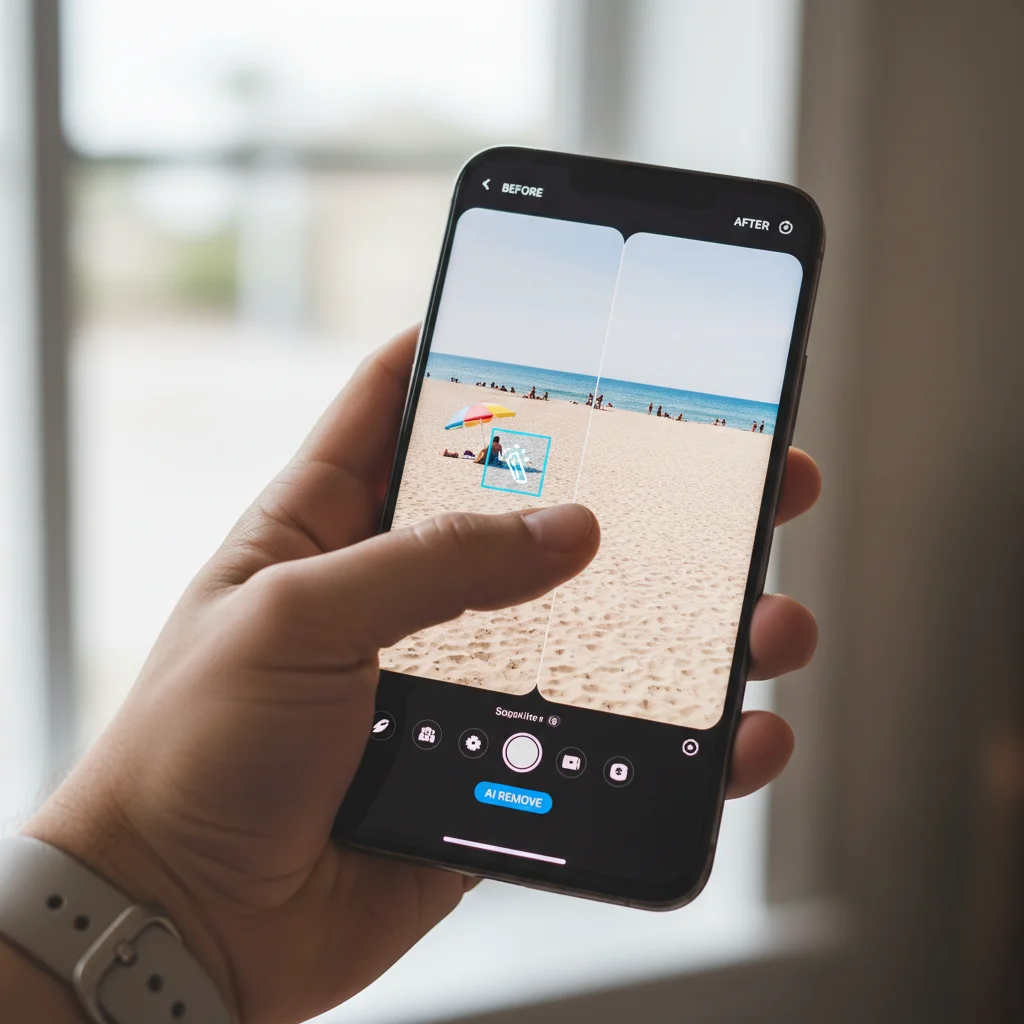
Have you ever captured an otherwise perfect shot, only to find an unwanted object or person marring the background? In the past, removing such distractions was a painstaking process, often requiring advanced masking and cloning techniques. Modern photo editing apps, however, have revolutionized this with AI-powered object selection and removal tools. These tools can automatically identify and isolate elements within your image, allowing you to remove them seamlessly with a simple brush stroke or tap.
The AI understands the context of the surrounding pixels, intelligently filling in the gaps to create a natural and undetectable removal. This feature alone can save countless minutes, allowing you to clean up your compositions and focus on your subject without worrying about photobombers or distracting elements. From power lines in a scenic landscape to blemishes on a portrait, AI makes these complex edits astonishingly simple and fast.
Advanced Sky Replacement and Background Customization
For landscape and outdoor photographers, a dull or blown-out sky can ruin an otherwise spectacular shot. The 2026 generation of photo editing apps offers highly sophisticated AI-powered sky replacement features. These tools can automatically detect the sky in your image, mask it out, and allow you to replace it with a more dramatic or aesthetically pleasing sky from a built-in library or even your own collection. What’s more, the AI often adjusts the lighting and reflections in the foreground to match the new sky, creating a perfectly blended and realistic composite.
Similarly, background customization extends beyond just skies. Some apps can intelligently separate subjects from their backgrounds, enabling you to blur, colorize, or completely replace the background. This is particularly useful for product photography or creating stylized portraits, allowing for creative freedom and efficient production of diverse visual content.
Smart Portrait Retouching and Enhancement
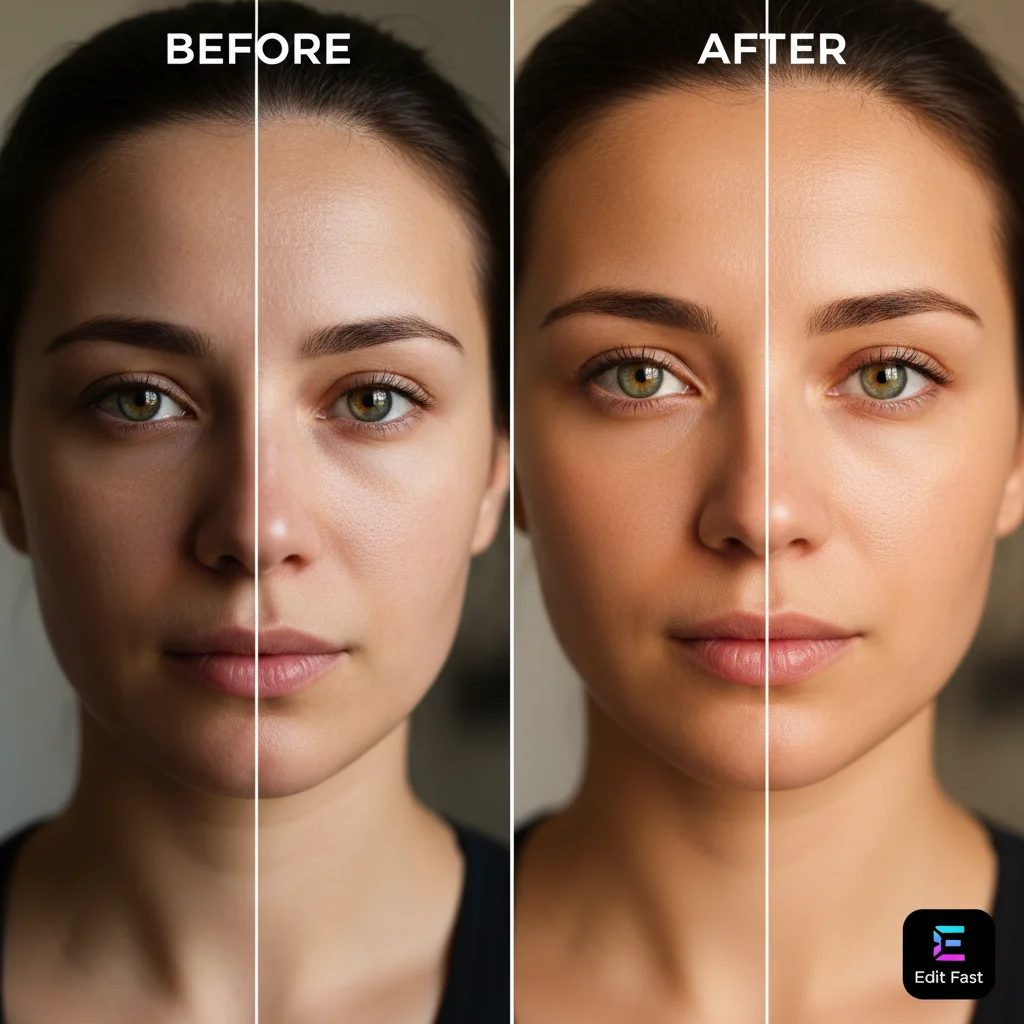
Portraits are a cornerstone of many photography genres, and perfecting them traditionally involves meticulous skin smoothing, eye enhancement, and facial sculpting. The latest photo editing apps employ AI to automate much of this process. They can intelligently identify facial features, allowing for quick adjustments to skin texture (without losing natural detail), teeth whitening, eye brightening, and even subtle reshaping of facial structures – all with simple sliders or pre-defined styles.
These AI tools are designed to enhance natural beauty rather than create an artificial, plastic look. They empower users to achieve professional-level portrait retouching in seconds, making them indispensable for anyone regularly shooting headshots, fashion, or lifestyle photography.
Key Features to Look For in Top Photo Editing Apps (2026 Edition)
While AI is a game-changer, several other features contribute to an app’s efficiency and ability to deliver professional results quickly. When evaluating photo editing apps in 2026, keep an eye out for these crucial functionalities:
Intuitive User Interface (UI) and User Experience (UX)
Speed is paramount. A cluttered or confusing interface will negate any time-saving features. The best photo editing apps boast clean, intuitive UIs that make sense, even for first-time users. Look for apps with easily accessible tools, clear labeling, and responsive controls. A well-designed UX means less time searching for features and more time editing.
Non-Destructive Editing
This is a fundamental principle of professional editing. Non-destructive editing means that any changes you make to your image are applied as layers or adjustments that can be modified or removed at any time without altering the original pixel data. This provides immense flexibility and allows for experimentation without fear of permanently damaging your source image. Most reputable photo editing apps now offer this, but it’s always worth confirming.
Batch Processing Capabilities
For photographers dealing with multiple images from a single shoot, batch processing is a lifesaver. This feature allows you to apply the same edits (presets, adjustments, watermarks, resizing) to an entire set of photos simultaneously. Imagine editing 50 wedding photos or product shots in the time it would take to edit just one. This is where the ‘under 5 minutes per image’ truly shines for high-volume workflows.
Advanced Color Grading and Tone Control
Beyond basic saturation and contrast, professional results often hinge on sophisticated color grading. Look for photo editing apps that offer HSL (Hue, Saturation, Luminance) sliders for precise control over individual color ranges, split toning for creative color casts, and curve adjustments for fine-tuning tones across the image. These tools allow for artistic expression and the ability to correct complex color issues quickly.
RAW File Support
If you shoot with a DSLR or mirrorless camera, or even a high-end smartphone that supports RAW capture, ensure your chosen photo editing apps can handle these files. RAW files contain much more image data than JPEGs, providing greater flexibility for adjustments like exposure recovery and white balance correction without introducing artifacts. Editing RAW files is a hallmark of professional workflows.
Selective Adjustments and Masking
Sometimes, you only want to edit a specific part of an image. Selective adjustments allow you to apply edits (e.g., brighten, sharpen, desaturate) to a particular area using brushes, radial filters, or linear gradients. Advanced masking capabilities, often AI-assisted to auto-detect subjects or skies, take this a step further, enabling highly precise and localized edits without affecting the rest of the image. This is crucial for adding drama, drawing attention to subjects, or correcting specific issues.
Top Photo Editing Apps for Professional Results in Under 5 Minutes (2026)
Now, let’s dive into the specific photo editing apps that are leading the charge in 2026, offering a blend of powerful features, AI integration, and user-friendly interfaces designed for speed and professional quality.
1. Adobe Lightroom Mobile/Desktop (AI-Enhanced)
Adobe Lightroom continues to be a gold standard in photo editing, and its 2026 iteration, especially the mobile version, is heavily infused with AI. It offers robust RAW file support, powerful organizational tools, and an incredibly comprehensive suite of editing features. The AI masking tools, which can automatically select subjects, skies, or backgrounds, are incredibly precise and save immense time. Its cloud sync capabilities mean you can start an edit on your phone and seamlessly continue on your desktop. The intelligent presets and one-tap enhancements are more refined than ever, allowing for quick, professional-grade adjustments. For batch processing and maintaining a consistent look across a large volume of images, Lightroom remains unparalleled.
- Key AI Features: AI-powered masking (subject, sky, background), adaptive presets, intelligent noise reduction, super resolution.
- Time-Saving Aspects: Cloud sync, batch editing, comprehensive mobile interface, extensive preset library, non-destructive workflow.
- Ideal For: Professional photographers, serious hobbyists, anyone needing advanced organization and powerful editing across devices.
2. Luminar Neo (AI-Driven Desktop & Mobile)
Luminar Neo, particularly its desktop version with a mobile companion, is a powerhouse for AI-driven creative editing. It’s built from the ground up to leverage AI for complex tasks that traditionally took significant time. Features like Sky AI, Relight AI, Structure AI, and Face AI allow for incredibly dramatic and precise adjustments with minimal effort. Want to replace a dull sky, add volumetric lighting, or subtly reshape a face? Luminar Neo can do it in seconds. Its intuitive layer-based editing system also provides flexibility without complexity. While primarily a desktop app, its mobile integration is growing, making it a strong contender for those who want desktop power with mobile convenience.
- Key AI Features: Sky AI, Face AI, Body AI, Relight AI, Structure AI, Atmosphere AI, GenErase (object removal).
- Time-Saving Aspects: One-click AI enhancements, intuitive interface, creative templates, fast processing of complex edits.
- Ideal For: Landscape photographers, portrait photographers, creative artists, those who want powerful AI for dramatic transformations.
3. Snapseed (Google – Free & Powerful Mobile)
Despite being a free app from Google, Snapseed consistently punches above its weight. It offers an impressive array of professional editing tools, including selective adjustments, healing brush, perspective correction, and extensive filter options. While it doesn’t boast the same level of advanced AI automation as some paid alternatives, its intuitive swipe-based interface makes applying complex edits incredibly fast. Its ‘Stacks’ feature allows for non-destructive editing and easy modification of past adjustments. For quick, high-quality edits on the go, Snapseed is an indispensable tool, proving that powerful editing doesn’t always come with a price tag.
- Key AI Features: Auto-tune, intelligent perspective correction.
- Time-Saving Aspects: Intuitive swipe interface, selective adjustments, ‘Stacks’ for easy modifications, robust set of tools for a free app.
- Ideal For: Mobile photographers, casual users, anyone needing powerful free editing on a smartphone.
4. PicsArt (Creative AI & Social Mobile)
PicsArt has evolved into a comprehensive creative suite, heavily leaning into AI for both editing and content creation. Beyond standard adjustments, it offers AI-powered background removal, object cloning, stylistic filters, and even AI generators for creative assets. While it might lean more towards creative content creation than traditional photographic correction, its speed in transforming images with AI effects and its vast library of stickers, text, and templates make it incredibly efficient for social media managers, marketers, and anyone looking to create engaging visuals quickly. Its community features also offer inspiration and easy sharing.
- Key AI Features: AI background remover, AI object remover, AI filters, AI enhance, AI art effects.
- Time-Saving Aspects: One-tap transformations, vast template library, quick sharing to social media, intuitive creative tools.
- Ideal For: Social media content creators, graphic designers, casual users looking for creative AI tools and quick visual effects.
5. PhotoDirector (CyberLink – Comprehensive Mobile & Desktop)
PhotoDirector offers a robust blend of traditional editing tools and AI-powered features, available across both desktop and mobile platforms. Its strength lies in its comprehensive toolkit, which includes advanced color grading, layer editing (on desktop), and an array of AI features like sky replacement, object removal, and even AI animation for photos. Its mobile app is particularly strong for quick fixes and creative overlays, while the desktop version provides more granular control. PhotoDirector positions itself as an all-in-one solution for photographers who want both speed and depth in their editing capabilities, often at a more accessible price point than other premium options.
- Key AI Features: AI Sky Replacement, AI Object Removal, AI Denoise, AI Style Transfer, AI Deblur.
- Time-Saving Aspects: Guided edits, expressive presets, integrated stock content, efficient workflow for both basic and advanced tasks.
- Ideal For: Enthusiasts and semi-professionals seeking a comprehensive photo editor with strong AI capabilities across devices.
Optimizing Your Workflow: Tips for Achieving Under 5-Minute Edits
Even with the most advanced photo editing apps, a streamlined workflow is essential to consistently hit that ‘under 5 minutes per image’ goal. Here are some actionable tips:
1. Shoot Smart, Not Hard
The best edit starts with a great capture. Pay attention to lighting, composition, and focus in-camera. The less you have to fix later, the faster your editing process will be. Utilize your camera’s settings (or your smartphone’s pro mode) to get as close to your desired look as possible during shooting. This drastically reduces the need for heavy post-processing.
2. Leverage Presets and Custom Styles
Identify your go-to looks and save them as presets. Most photo editing apps allow you to create and save custom presets. This means that for a consistent style, you can apply your signature look with a single tap, then make minor, quick adjustments specific to each image. This is particularly powerful for batch editing.
3. Master the AI Tools
Spend time understanding and mastering the AI features of your chosen app. Knowing how to quickly use AI sky replacement, object removal, or intelligent enhancement tools will save you hours. Practice with different types of images to see how the AI responds and how you can guide it for optimal results.
4. Prioritize Your Edits
Not every photo needs every possible adjustment. For quick edits, focus on the big wins: correct exposure, adjust white balance, enhance colors, and crop for composition. If an image has a critical flaw (like a distracting object), address that. Learn to differentiate between essential edits and optional enhancements that can wait for more time-intensive projects.
5. Use Batch Processing Wisely
For events, product shoots, or any scenario with many similar images, batch processing is your best friend. Apply your base edits or presets to the entire batch, then go through each image for fine-tuning. This ensures consistency and dramatically speeds up your workflow.
6. Develop a Consistent Workflow
Establish a routine for your editing. For example: Import > Cull (delete bad photos) > Apply Preset > Adjust Exposure/White Balance > Crop > Export. A consistent workflow reduces decision fatigue and builds muscle memory, making each step faster and more efficient.
7. Learn Keyboard Shortcuts (Desktop Apps)
If you primarily use desktop photo editing apps, investing time in learning keyboard shortcuts can shave precious seconds off each edit, which adds up over hundreds of photos.
The Future of Photo Editing Apps: What to Expect Beyond 2026
The trajectory of photo editing apps suggests an even more integrated and intelligent future. We can anticipate:
- Hyper-Realistic AI Generation: Beyond editing existing photos, AI will play an even larger role in generating entirely new elements or even entire images from text prompts, seamlessly blending them with real photography.
- Advanced Predictive Editing: Apps will become even better at anticipating your editing needs based on your past preferences and the image content, offering highly personalized suggestions.
- Voice-Controlled Editing: Imagine simply telling your app, “Brighten the subject and make the sky more dramatic,” and watching it happen. Voice commands will offer another layer of efficiency.
- Augmented Reality (AR) Integration: AR could allow for real-time scene enhancement or object placement even before you take the shot, guiding you to capture the perfect image.
- Deeper Integration with Cloud & Hardware: Seamless integration with cloud storage, camera systems, and even smart home devices will make the entire photography ecosystem more connected and efficient.
Conclusion: Empowering Your Photography with Smart Photo Editing Apps
The year 2026 marks an exciting era for photography, where the barrier to achieving professional-grade results has been significantly lowered, thanks to the remarkable evolution of photo editing apps. The integration of powerful AI, coupled with intuitive interfaces and efficient workflows, means that the dream of transforming your images in under 5 minutes per picture is not just a dream – it’s a tangible reality.
By choosing the right tools from our curated list and adopting smart editing practices, you can unlock a new level of efficiency and creativity in your photographic journey. Whether you’re enhancing portraits, perfecting landscapes, or creating compelling content for social media, these apps provide the speed, power, and precision you need to make every image shine.
Don’t let the complexity of traditional editing hold you back. Embrace the future of photography with these cutting-edge photo editing apps and spend less time editing and more time capturing the moments that matter. Your audience, clients, and even your own creative spirit will thank you for the stunning, professional results you can now achieve with unprecedented speed and ease.
Start experimenting today, find the app that best fits your style and workflow, and witness firsthand how quickly you can elevate your photography to a professional standard. The power to create breathtaking images is truly at your fingertips.