Future-Proof Your Tech: Updating Legacy Devices for 2026 Software Standards
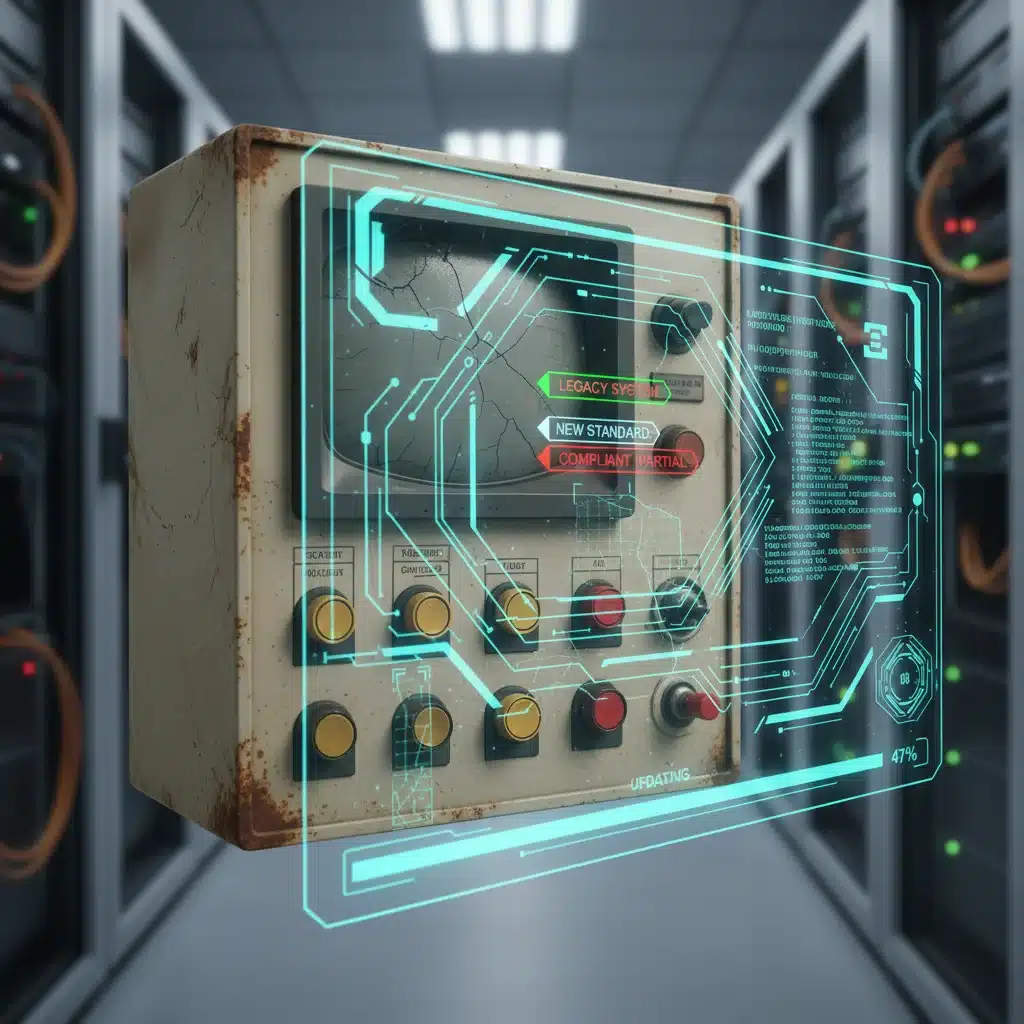
How to Update Your Legacy Devices for Compatibility with New 2026 Software Standards: A Practical Troubleshooting Manual
In the ever-evolving landscape of technology, staying current is not merely an advantage but a necessity. As we approach 2026, new software standards are poised to redefine how our devices interact, communicate, and function. For many businesses and individuals, this presents a significant challenge: how to ensure that beloved, reliable, yet older, ‘legacy’ devices remain compatible. The thought of replacing entire infrastructures can be daunting, both financially and logistically. This comprehensive guide aims to demystify the process of updating your legacy device update for the upcoming 2026 software standards, offering practical troubleshooting steps and strategic insights to bridge the gap between old and new.
The transition to new software standards is rarely a smooth, plug-and-play affair, especially when dealing with hardware and software designed years, or even decades, ago. These new standards often bring with them enhanced security protocols, improved data transfer rates, and more efficient processing methods, all of which might be incompatible with the architecture of older systems. Ignoring these changes is not an option, as it can lead to security vulnerabilities, operational inefficiencies, and ultimately, system failure. Therefore, understanding how to effectively manage a legacy device update is paramount for business continuity and personal technological relevance.
Understanding the 2026 Software Standards: What’s Changing?
Before diving into the ‘how-to’ of updating, it’s crucial to grasp ‘what’s changing’. While the exact specifications of the 2026 software standards are still being finalized and rolled out, general trends indicate a strong emphasis on:
- Enhanced Security Protocols: Expect more stringent encryption requirements (e.g., TLS 1.3 becoming mandatory), multi-factor authentication (MFA) as a default, and advanced threat detection capabilities. Older devices might struggle to implement these robust security measures without significant firmware or software overhauls.
- Interoperability and API Modernization: The push for seamless data exchange between disparate systems continues. New standards will likely require updated APIs (Application Programming Interfaces) that support more modern data formats (e.g., JSON, gRPC over XML, SOAP) and faster communication protocols.
- Cloud-Native and Edge Computing Integration: Many new applications and services are designed for cloud environments or require processing at the edge of the network. Legacy devices often lack the necessary computational power, memory, or network capabilities to effectively participate in these distributed computing models.
- Increased Data Processing and Storage Demands: With the proliferation of IoT devices and big data analytics, the volume and velocity of data are constantly increasing. Older systems might not have the bandwidth, storage capacity, or processing power to handle these new demands.
- Energy Efficiency and Sustainability: There’s a growing focus on greener technology. New standards might incorporate requirements for lower power consumption or more efficient resource utilization, which legacy hardware might not be able to meet.
These changes collectively mean that a simple patch might not suffice for a comprehensive legacy device update. A more holistic approach, encompassing both software and potentially hardware considerations, will be necessary.
Initial Assessment: Identifying Your Legacy Devices and Their Vulnerabilities
The first step in any successful update strategy is a thorough inventory and assessment. You can’t fix what you don’t know is broken, or what you don’t even know you have. This phase is critical for effective planning and resource allocation for your legacy device update.
1. Inventory All Devices:
Create a comprehensive list of all your hardware and software systems. This includes:
- Computers: Desktops, laptops, servers (physical and virtual).
- Networking Equipment: Routers, switches, firewalls, access points.
- Industrial Control Systems (ICS) / Operational Technology (OT): PLCs, SCADA systems, sensors, actuators.
- Peripherals: Printers, scanners, specialized input/output devices.
- Software Applications: Operating systems, proprietary software, databases, custom applications.
- Embedded Systems: Devices with dedicated functions, often found in machinery or specialized equipment.
2. Determine Age and End-of-Life (EOL) Status:
For each item, research its age, manufacturer’s support lifecycle, and official end-of-life (EOL) date. Devices past their EOL date are often the most challenging for a legacy device update as manufacturers cease providing updates, patches, or even technical support.
3. Assess Current Software/Firmware Versions:
Document the current operating system, firmware, and application versions. This information is vital for checking compatibility with the upcoming 2026 standards.
4. Identify Dependencies:
Understand how your devices and software interact. Upgrading one component might break another if dependencies are not carefully managed. For example, a new OS might not support older drivers, or an updated application might require a newer database version.
5. Evaluate Business Criticality:
Prioritize devices based on their importance to your operations. Mission-critical systems will require immediate attention and more robust planning for their legacy device update, while less critical systems might allow for a phased approach.
Strategies for a Successful Legacy Device Update
Once you have a clear understanding of your current infrastructure, you can formulate a strategy. There are several approaches to a legacy device update, ranging from simple software patches to complete overhauls.
1. Software and Firmware Updates: The First Line of Defense
The most straightforward approach is to update existing software and firmware. Many manufacturers release patches or major updates to extend the life of their products and ensure compatibility with new standards. This is often the least disruptive and most cost-effective solution for a legacy device update.
- Check Manufacturer Websites: Regularly visit the official support pages for your device manufacturers. Look for firmware updates, driver updates, and software patches specifically addressing compatibility with newer standards or improving security.
- Operating System Upgrades: If possible, upgrade your operating systems to a supported version. For instance, moving from an unsupported Windows version to a currently supported one can resolve many compatibility issues. Be mindful of hardware requirements for newer OS versions.
- Application Updates: Ensure all critical applications are running their latest versions. Developers often update their software to align with new APIs and security protocols.
- Security Patches: Apply all available security patches. While not always directly related to 2026 standards, keeping systems secure is a fundamental part of maintaining compatibility and preventing vulnerabilities that could be exploited by newer, more sophisticated threats.
Troubleshooting Tip: Always back up your data and create system restore points before performing any major software or firmware update. Test updates in a non-production environment first, if possible, to catch any unforeseen issues.
2. Hardware Upgrades and Component Replacement
Sometimes, software updates alone are insufficient. The underlying hardware might simply lack the capabilities to support the new standards. In such cases, targeted hardware upgrades can be a viable option for a legacy device update.
- Memory (RAM) Upgrades: Newer software often demands more RAM. Increasing RAM can significantly improve performance and allow older systems to run modern operating systems or applications more smoothly.
- Storage Upgrades (SSDs): Replacing traditional HDDs with Solid State Drives (SSDs) can dramatically speed up boot times and application loading, making an older system feel much more responsive and capable of handling larger data volumes.
- Network Interface Cards (NICs): Older NICs might not support faster network speeds (e.g., Gigabit Ethernet, Wi-Fi 6/7) or newer security protocols. Upgrading NICs can improve connectivity and security.
- Graphics Cards: For systems requiring graphical processing, an upgraded GPU can extend their lifespan, especially if new software leverages modern graphics APIs.
- Peripheral Upgrades: In some cases, it might be necessary to replace specific peripherals (e.g., printers, scanners) if their drivers or communication protocols are no longer supported by modern operating systems or applications.
Troubleshooting Tip: Before purchasing hardware, verify compatibility with your existing system’s motherboard, CPU, and power supply. Consult your device’s manual or manufacturer’s website for supported upgrade options.
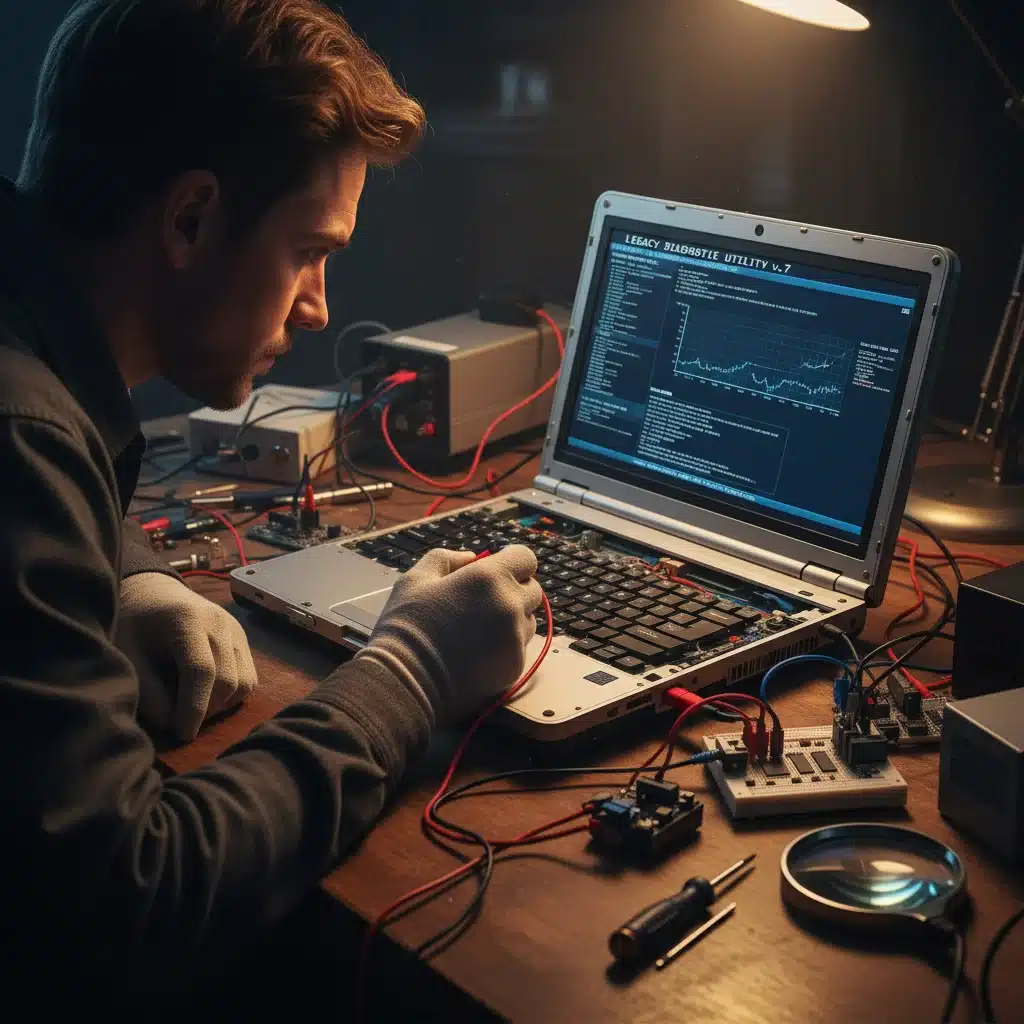
3. Virtualization and Containerization: A Modern Approach
For software applications running on older, incompatible operating systems, virtualization or containerization can be a powerful strategy for a legacy device update without physically replacing the hardware.
- Virtual Machines (VMs): You can run an older operating system (and its applications) within a virtual machine on a newer, compatible host system. This allows you to isolate the legacy environment while still leveraging modern hardware and network capabilities.
- Containers (e.g., Docker, Kubernetes): Containerization takes this a step further by packaging an application and its dependencies into a lightweight, portable container. This is ideal for applications that need to run consistently across different environments, including cloud-native infrastructures, without being tied to a specific OS version.
Troubleshooting Tip: While virtualization and containerization offer flexibility, they introduce their own overhead. Ensure your host system has sufficient resources (CPU, RAM, storage) to run the virtualized or containerized legacy applications effectively.
4. API Gateways and Middleware: Bridging Communication Gaps
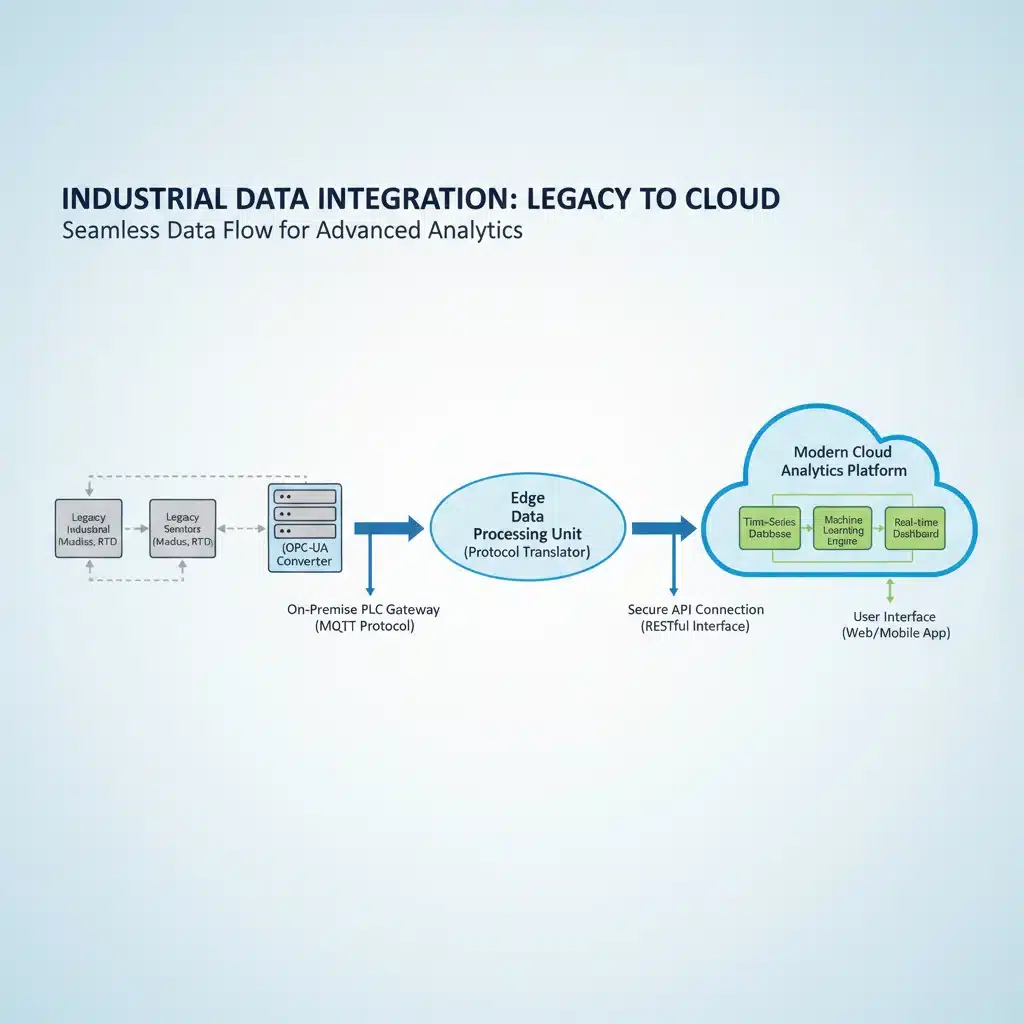
When direct communication between a legacy system and a new system is impossible due to incompatible APIs or protocols, middleware or API gateways can act as translators. This is a common strategy for a complex legacy device update in enterprise environments.
- API Gateways: These act as a single entry point for all API calls, allowing you to transform requests and responses between different formats (e.g., converting old XML data to new JSON data) and enforce security policies.
- Middleware: Software that connects disparate applications, systems, and technologies. It can facilitate communication, data management, and authentication between your legacy devices and newer platforms.
- Data Transformation Services: If your legacy device produces data in an outdated format, consider services or custom scripts that can transform this data into a format compatible with 2026 standards before it’s consumed by newer applications.
Troubleshooting Tip: Implementing middleware or API gateways requires careful planning and development. Ensure thorough testing to guarantee data integrity and consistent communication between systems.
5. Cloud Migration: Modernizing the Entire Stack
For some legacy systems, especially those hosting critical applications, a complete migration to a cloud environment might be the most future-proof legacy device update strategy. This involves re-hosting, re-platforming, or even re-architecting applications to run on cloud infrastructure.
- Re-hosting (Lift and Shift): Moving applications and data to the cloud with minimal changes. This can quickly provide benefits like scalability and reduced infrastructure management.
- Re-platforming: Making some optimizations to leverage cloud capabilities (e.g., replacing an on-premise database with a cloud-managed database service) without significantly altering the application’s core architecture.
- Re-architecting: Modernizing the application to fully embrace cloud-native principles, often involving breaking down monolithic applications into microservices and using serverless functions. This is the most complex but offers the greatest long-term benefits.
Troubleshooting Tip: Cloud migration is a significant undertaking. Plan meticulously, assess costs, and ensure data security and compliance are maintained throughout the process. Consider a hybrid cloud approach initially to ease the transition.
Common Troubleshooting Scenarios for Legacy Device Update
Even with the best planning, you’re likely to encounter issues during a legacy device update. Here are some common problems and their solutions:
Scenario 1: Driver Incompatibility
Problem: After updating an operating system, a peripheral (e.g., an old printer, specialized sensor) stops working because its drivers are no longer compatible.
Solution:
- Check for Newer Drivers: Visit the manufacturer’s website. Even if the device is old, they might have released a ‘legacy’ driver pack or a generic driver that works with newer OS versions.
- Compatibility Mode: On Windows, try running the driver installer or the application in compatibility mode for an older OS version.
- Generic Drivers: Sometimes, a generic driver provided by the OS (e.g., a generic USB driver) might offer basic functionality, even if advanced features are lost.
- Virtualization: If all else fails, consider running the peripheral with its original OS in a virtual machine on your updated system.
- Replacement: As a last resort, if the peripheral is critical and cannot be made to work, it might be time for an upgrade.
Scenario 2: Software Application Fails to Launch or Crashes
Problem: A crucial legacy application, perhaps custom-built, fails to run on a newly updated operating system or with new libraries.
Solution:
- Dependencies Check: Identify if the application relies on specific older libraries or runtime environments (e.g., older .NET Framework versions, Java versions, specific DLLs). Try installing these alongside the new system, if possible and safe.
- Compatibility Settings: Similar to drivers, try running the application in compatibility mode.
- Vendor Support: Contact the original software vendor (if they still exist) for an updated version or guidance.
- Virtualization/Containerization: This is often the most effective solution for critical legacy applications. Encapsulate the application and its original environment within a VM or container.
- Rewriting/Re-platforming: For highly critical applications, consider rewriting them for modern platforms or re-platforming them to a cloud-native environment. This is a significant undertaking but ensures long-term viability.
Scenario 3: Network Communication Issues
Problem: A legacy device can no longer communicate with other systems or the internet after network infrastructure has been updated to 2026 standards (e.g., stronger encryption requirements, new protocols).
Solution:
- Protocol Compatibility: Check if the legacy device supports newer network protocols (e.g., TLS 1.3, updated SSH versions, modern VPN protocols). If not, look for firmware updates that add support.
- Firewall Rules: Ensure new firewall configurations are not inadvertently blocking traffic from or to the legacy device.
- IP Addressing: Verify IP addresses, subnet masks, and gateway settings are correct and compatible with the new network topology.
- Network Adapters: As mentioned, upgrading the NIC on the legacy device might be necessary to support faster speeds or more secure protocols.
- Proxy/Gateway: Implement an API gateway or network proxy that can translate between the legacy device’s communication methods and the new network standards.
Scenario 4: Performance Degradation
Problem: An updated legacy device runs much slower than before, or new software on it is sluggish.
Solution:
- Resource Check: Monitor CPU, RAM, and disk usage. Newer software often requires more resources.
- Hardware Upgrades: This is where RAM and SSD upgrades become particularly effective.
- Software Optimization: Check if the new software has settings that can be optimized for lower-spec hardware. Disable unnecessary background processes.
- Clean Install: Sometimes, a fresh installation of the operating system and applications can remove accumulated bloat and improve performance.
- Consider Purpose-Built Hardware: If performance remains an issue, the legacy hardware might simply be inadequate for the demands of the new standards. It might be time to consider a modern replacement that is purpose-built for the required tasks.
Best Practices for Managing a Legacy Device Update
To minimize disruption and ensure a smooth transition to the 2026 software standards, follow these best practices:
- Plan Ahead: Start your assessment and planning well in advance of the 2026 deadline. This gives you ample time for research, testing, and implementation.
- Backup Everything: Before making any changes, ensure all data and system configurations are thoroughly backed up. This is your safety net.
- Test in Isolation: Whenever possible, test updates and changes in a non-production or isolated environment. This prevents unexpected issues from impacting live operations.
- Phased Rollout: Don’t attempt to update everything at once. Prioritize critical systems and roll out updates in phases, monitoring closely for issues after each phase.
- Document Everything: Keep detailed records of all devices, their configurations, update paths, and any issues encountered and resolved. This knowledge base will be invaluable for future troubleshooting.
- Consult Experts: If you lack the internal expertise, don’t hesitate to consult with IT professionals or specialized consultants who have experience with legacy system modernization.
- Budget for Modernization: Factor in the costs of potential hardware upgrades, new software licenses, professional services, and employee training into your budget.
- Consider the Cloud: For long-term sustainability and scalability, actively evaluate cloud migration strategies for suitable legacy systems.
- Security First: Always prioritize security in your update process. Ensure that any updates or workarounds do not introduce new vulnerabilities.
The Long-Term View: Beyond 2026
While this guide focuses on the 2026 software standards, the principles of managing a legacy device update are timeless. Technology will continue to evolve, and new standards will emerge. By adopting a proactive approach to technology management, regular assessments, and continuous learning, you can ensure your systems remain agile and adaptable to future changes.
The goal is not just to survive the 2026 transition but to build a resilient and future-proof IT infrastructure. This might involve gradually phasing out truly obsolete hardware, investing in modular systems, and embracing flexible software architectures. A well-executed legacy device update today sets the stage for smoother transitions tomorrow, safeguarding your investments and maintaining operational excellence in an increasingly digital world.
Conclusion
Updating your legacy device update for compatibility with new 2026 software standards is a complex yet achievable task. It requires careful planning, a thorough understanding of your existing infrastructure, and a strategic approach to implementation. By leveraging software and firmware updates, targeted hardware upgrades, virtualization, middleware, and potentially cloud migration, you can extend the life of your valuable assets and ensure seamless operation in the face of evolving technological demands. Remember to prioritize, test rigorously, and document diligently. The effort invested now will pay dividends in terms of enhanced security, improved efficiency, and long-term technological relevance, ensuring your systems are not just compliant but truly future-ready.